

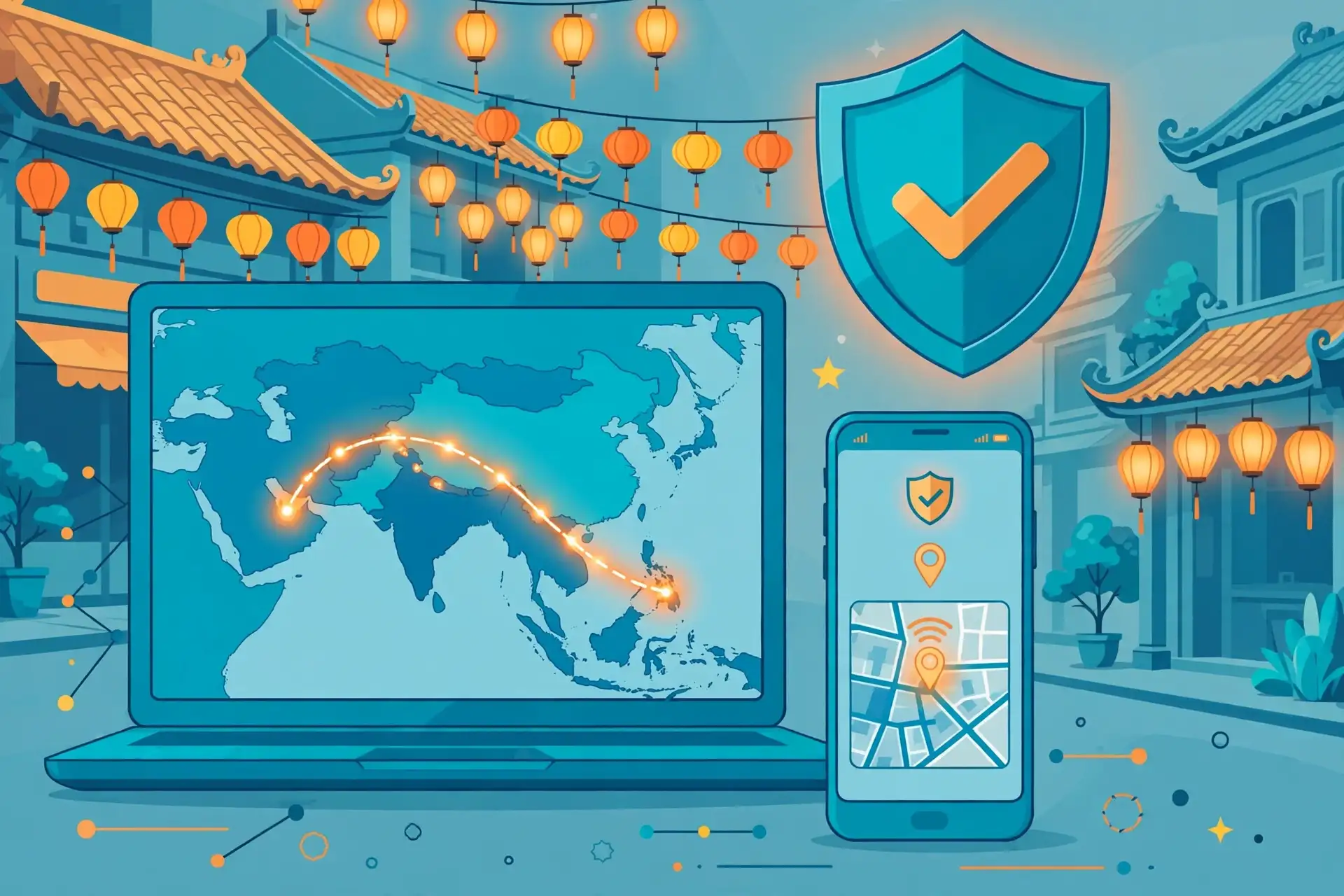
To get a Vietnam IP address from Pakistan, connect to a VPN server in Vietnam. Once the tunnel is active, websites and apps see the Vietnamese IP address of the server instead of your Pakistani IP address. Surfshark is our recommended VPN for Pakistan, with 80% off for our users, and it offers a Vietnam location in Ho Chi Minh City, so it covers this exact job in one app.
This guide walks you through the whole process: choosing a provider that genuinely offers Vietnam servers, connecting on Android, iPhone, and Windows, verifying that your exit IP really shows Vietnam, and understanding what a Vietnam IP can and cannot do.
Everything about server availability was checked against provider server pages and current guides in November 2026, and anything we could not verify is flagged as such rather than presented as fact.
How to Get a Vietnam IP Address: The Short Answer
The fastest way to get a Vietnam IP address from Pakistan is a VPN with a server in Vietnam. Sign up for the VPN, install its official app, open the server list, choose Vietnam, and connect. Your traffic then leaves the internet through the Vietnamese server, and any site that checks your IP address sees a Vietnamese one.
Not every VPN offers Vietnam. Before you pay for anything, open the provider’s server list and confirm Vietnam is listed. Some providers list Vietnam but run the server physically in another country, which is called a virtual location. A virtual location still gives you a Vietnamese IP address, because the IP itself is registered in Vietnam, but the physical distance may be different from what you expect.
The second step is verification. After connecting, check your IP address on an IP lookup site before you open the service you need. If the lookup shows Vietnam, the setup worked. If it shows Pakistan or another country, something is wrong, and the troubleshooting section at the end of this guide explains what to check.
A Vietnam IP address changes your apparent location for websites, not your device’s GPS position. Your phone still knows where it physically is. Apps that check GPS, or services that check your account’s registered country, may still treat you as being in Pakistan. That distinction matters, and this guide explains it in full below.
What a Vietnam IP Address Actually Changes
A VPN changes the IP address that websites see. When you connect to a Vietnam server, your internet traffic is encrypted, sent to that server, and then sent on to the website. The website records the server’s IP address, which is registered in Vietnam, so it treats your visit as coming from Vietnam.
That is the whole mechanism, and it is also its limit. A Vietnam IP address does not move your phone. GPS, mobile network location, and your device’s time zone still reflect Pakistan unless you change them separately. Some apps use GPS instead of your IP address, and those apps will not be fooled by a VPN alone.
Your account region is a third, separate thing. A streaming account, a bank account, or an app store account has a country attached to it when you created it. Changing your IP address does not change that registered country. A service can accept your Vietnamese IP and still refuse access because your account is registered in Pakistan.
Payment methods are a fourth factor. Some Vietnamese services ask for a local payment method or a Vietnamese phone number. A VPN cannot supply those. If a service needs one, a Vietnam IP address alone will not unlock it, and no VPN provider can honestly promise otherwise.
Finally, remember that a VPN encrypts your traffic, which protects you on public Wi-Fi and hides your browsing from your internet provider. That privacy benefit applies whichever server you choose. The Vietnam location is about the IP address you present, not about extra encryption.
Choose a VPN With Vietnam Servers
The first decision is the provider, and the only requirement that matters here is a Vietnam server location. Open the provider’s server list before you subscribe and search for Vietnam. If it is not there, the provider cannot give you a Vietnam IP address, whatever its marketing says.
Surfshark lists Vietnam with a server in Ho Chi Minh City. That location is labelled as virtual in Surfshark’s own server information, which means the physical machine sits outside Vietnam while the IP address it hands out is registered in Vietnam.
For the purpose of this guide, that is what counts: websites see a Vietnamese IP address. Surfshark also offers WireGuard, unlimited simultaneous connections, and apps for Windows, macOS, Android, iOS, and smart TVs.
NordVPN is the most widely recommended alternative for a Vietnam IP address. Current guides list two Vietnamese locations, Hanoi and Ho Chi Minh City, on its network of more than 130 countries. NordVPN runs its own NordLynx protocol, which is built on WireGuard, and offers a 30-day money-back guarantee.
We could not verify the exact number of Vietnam servers from NordVPN’s official pages at the time of writing, so treat the two-city listing as reported by current guides rather than confirmed by us.
Proton VPN lists a Vietnam location in Hanoi, but it uses Smart Routing for it: the physical servers sit in Singapore and present a Vietnamese IP address. That is the same idea as a virtual location under a different name.
Proton VPN also offers a free plan, but its free servers are limited to a small set of countries, and we could not verify that Vietnam is available on the free plan, so do not assume it is.
ExpressVPN also lists Vietnam among its server countries, and it is frequently recommended in Vietnam IP guides. We could not verify its current Pakistan pricing or the exact Vietnamese city from official sources at the time of writing, so we do not rank it on price here. If you already use ExpressVPN, check its server list in the app before you buy anything else.
Free VPNs deserve a warning in this context. Most free services do not offer Vietnam at all, and the few that claim to often have crowded servers, data caps, or unclear logging policies.
We could not verify any ongoing free plan that reliably offers a Vietnam server to users in Pakistan in November 2026. If a free option is essential for you, test it with the verification steps in this guide before you rely on it, and expect limits.
When you compare providers, check three things beyond the country list. First, the protocol: WireGuard is the best default for speed and reliability. Second, the device limit: Surfshark allows unlimited devices, which matters if your whole household wants a Vietnam IP. Third, the refund window, so you can test the Vietnam server on your own connection in Pakistan and get your money back if it does not work for you.
Surfshark for a Vietnam IP Address
Surfshark is our recommendation for getting a Vietnam IP address from Pakistan because it meets the one requirement that matters, a Vietnam location, and it does so inside an app that is easy to use on every device. Its Vietnam server is in Ho Chi Minh City, and the app labels it as a virtual location, so you know exactly what you are getting before you connect.
The rest of the package supports the job well. WireGuard is the default protocol, which keeps the connection fast and stable. Unlimited simultaneous connections mean you can run the Vietnam server on your phone, your laptop, and your family’s devices under one subscription. The kill switch blocks your internet if the tunnel drops, so your real Pakistani IP address never leaks out mid-session.
Surfshark also offers a 7-day free trial on 12- and 24-month plans and a 30-day money-back guarantee once payment begins. Trial terms and prices change, so the exact offer is the one shown on Surfshark’s checkout page when you sign up. This guide does not quote a rupee price, because it varies by region and by the offer running at the time.
For readers who want to understand how protocols affect speed and reliability, our guide to WireGuard VPN test checklist explains what to measure, and our OpenVPN explained guide covers the older protocol that some networks still require. For a similar country guide, our how to get a Saudi Arabia IP address guide follows the same method for a different country.
Surfshark — our recommended VPN for Pakistan
Vietnam servers in Ho Chi Minh City, unlimited devices, and 80% off for our users.
One honest caveat: Surfshark’s Vietnam location is virtual, so the physical server is not inside Vietnam. That does not affect the IP address websites see, but it can affect latency, because your traffic travels to wherever the physical server actually sits. If you need the lowest possible delay, test the connection yourself and compare it with another provider’s Vietnam server before you commit.
How to Connect to a Vietnam VPN Server
The steps are the same on every device, and they take about two minutes once the app is installed. First, sign up for your chosen VPN and download its official app from the provider’s website or your device’s official app store. Never download a VPN installer from a random third-party site, because fake installers are a real source of malware.
Second, open the app and sign in with the account you just created. If the app asks you to allow a VPN configuration or a VPN profile on first launch, accept it. That permission is how the app creates the encrypted tunnel, and the app cannot work without it.
Third, find the server list. In most apps this is a search box or a country list on the main screen. Type “Vietnam” and select it. If the provider offers more than one Vietnamese city, pick the one closest to the service you want to use, or try both and keep the faster one.
Fourth, tap or click Connect and wait for the app to confirm the connection. A good app shows a clear connected status, the server name, and your new IP address. Do not open the website or app you need until you see that confirmation.
Fifth, verify the change with the steps in the verification section below. Checking first takes thirty seconds and saves you from a failed login or a blocked stream later. If the check shows Vietnam, you are done, and you can open the service you need.
A small tip that saves trouble: clear your browser’s cookies and cache before you open a location-sensitive website, or use a fresh private browsing window. Websites remember your previous location from cookies, and an old cookie can override your new IP address. This is a common reason a Vietnam IP appears not to work when the VPN is actually fine.
How to Get a Vietnam IP Address on Android
Getting a Vietnam IP address on Android is straightforward, because every major VPN offers a native Android app. Install the app from the Google Play Store, sign in, and search for Vietnam in the server list. Tap the location, wait for the connected status, and then run the verification check in your mobile browser.
Android has one setting worth checking. Some VPN apps on Android let you choose whether the VPN stays on when the app is closed, and whether it reconnects automatically. Turn on the always-on VPN and the kill switch if your app offers them, so a dropped connection cannot expose your real IP address while an app is open.
Split tunnelling is also useful on Android. Surfshark calls it Bypasser, and it lets you route only chosen apps through the Vietnam server while everything else connects directly. That is handy if you want one app to appear Vietnamese while your banking app keeps its normal Pakistani connection. Availability varies by provider, so check your app’s settings.
One Android-specific warning: do not sideload a VPN APK from a website when the Play Store is available. A sideloaded APK can be modified, and you have no way to check it. If the Play Store does not list your VPN in Pakistan, download the APK only from the provider’s own official website.
How to Get a Vietnam IP Address on iPhone
On an iPhone, the process is the same: install the VPN app from the App Store, sign in, choose Vietnam, and connect. iOS asks you to approve the VPN configuration the first time you connect. Accept it, and the app can then create the tunnel whenever you tap Connect.
Apple restricts what VPN apps can do on iOS, so a few features that exist on Android may be missing. Split tunnelling per app is generally not available on iPhone, because iOS does not let VPN apps route traffic app by app. You route everything through the Vietnam server, or you disconnect the VPN entirely.
The iPhone kill switch is built into iOS itself: when the VPN is on and the tunnel drops, iOS blocks traffic until the tunnel comes back, provided the VPN profile is set up correctly. Check in the VPN app’s settings that the kill switch or its equivalent is enabled, and test it once by switching the VPN off and on again while watching your IP address.
Location services are a separate iPhone issue. Some apps read your GPS position instead of your IP address, and a VPN cannot change GPS. If an app still shows Pakistan after you connect to Vietnam, check whether it is using your location permission. Turning off location access for that app may help, but some apps refuse to work without it, and that is a limit no VPN can fix.
How to Get a Vietnam IP Address on Windows
On Windows, download the VPN’s installer from the provider’s official website, run it, and sign in. The app will ask Windows to install a network adapter or a VPN profile the first time it connects. Accept that prompt, because the tunnel cannot work without it.
Windows users have the widest choice of protocols. WireGuard is the best default for a Vietnam connection, because it is fast and reconnects quickly if your network changes. OpenVPN in UDP mode is a solid alternative on networks that filter WireGuard traffic. Avoid OpenVPN in TCP mode for streaming, because it is slower and can struggle with video.
Check the kill switch setting in the Windows app and turn it on. Windows apps are the most likely to leak your real IP address if the tunnel drops silently, because Windows keeps many background services running. A kill switch that blocks all traffic until the tunnel returns is the only reliable protection here.
On Windows, also check that your browser is not leaking your location through WebRTC. WebRTC is a browser feature that can reveal your real IP address even while a VPN is connected. A leak test will show this, and the verification section below explains how to run one. If your browser leaks, switch browsers or install a WebRTC blocking extension.

How to Verify Your Vietnam IP Address
Verification is the step most guides skip, and it is the step that catches almost every problem. Never trust the VPN app’s green “connected” label alone. The app can say connected while your traffic still leaks, or while the server hands out an IP address registered in a different country.
Start with a plain IP lookup. Disconnect the VPN first and visit an IP lookup site, then write down the country and IP address it shows. That is your baseline. Then connect to the Vietnam server, reload the same lookup site, and compare. The country should now say Vietnam, and the IP address should be different.
Next, check for DNS leaks. A DNS leak means your device is still asking your Pakistani internet provider to resolve website names, which reveals your browsing even though your IP address looks Vietnamese. A leak test site shows which DNS servers handled your requests. Every server in the list should belong to your VPN provider or its partners, never to your home internet provider.
Then check WebRTC. Open a WebRTC leak test in your browser while the VPN is connected. If it shows your real Pakistani IP address anywhere in the results, your browser is leaking. The usual fix is to disable WebRTC in the browser settings or use a browser extension that blocks it, then test again.
Check the result against more than one lookup service. Geolocation databases disagree with each other, and one database may still list a new IP address under its old country. If two out of three services say Vietnam, the setup is almost certainly correct, and the third is using an outdated database. If all three disagree, try a different Vietnam server.
Repeat the checks on the device you will actually use. A laptop that passes the test does not prove your phone passes it too. Each device has its own settings, its own browser, and its own chance of leaking, so verify each one separately before you rely on it.
Vietnam IP Address and Location-Sensitive Services
A Vietnam IP address is most useful for Vietnamese streaming and local services. VTV Go and FPT Play are the two platforms most readers want: both carry Vietnamese television and sports, and both restrict some content to viewers inside Vietnam. A Vietnam IP address is the first requirement for reaching them from Pakistan.
Access is not guaranteed, and the terms matter. VTV Go’s terms of service prohibit using a VPN to change your apparent location, with account restriction listed as a possible consequence. Other services have similar clauses.
Using a VPN to reach a service against its terms can lead to a blocked account, and this guide does not recommend breaking a service’s rules. Read the terms of the service you want to use before you connect.
Vietnamese banking apps and government services are a different case. Some require a Vietnamese IP address for login, and a VPN can help there, but many also require a Vietnamese phone number, a local SIM, or an account registered in Vietnam. A VPN supplies only the IP address, so check the service’s other requirements before you assume the VPN alone is enough.
Online shopping and local news are simpler uses. Vietnamese shops and news sites that show different prices or content by country will respond to a Vietnamese IP address with their local version. That is a legitimate use, and it is also the easiest to test, because the result is visible immediately.
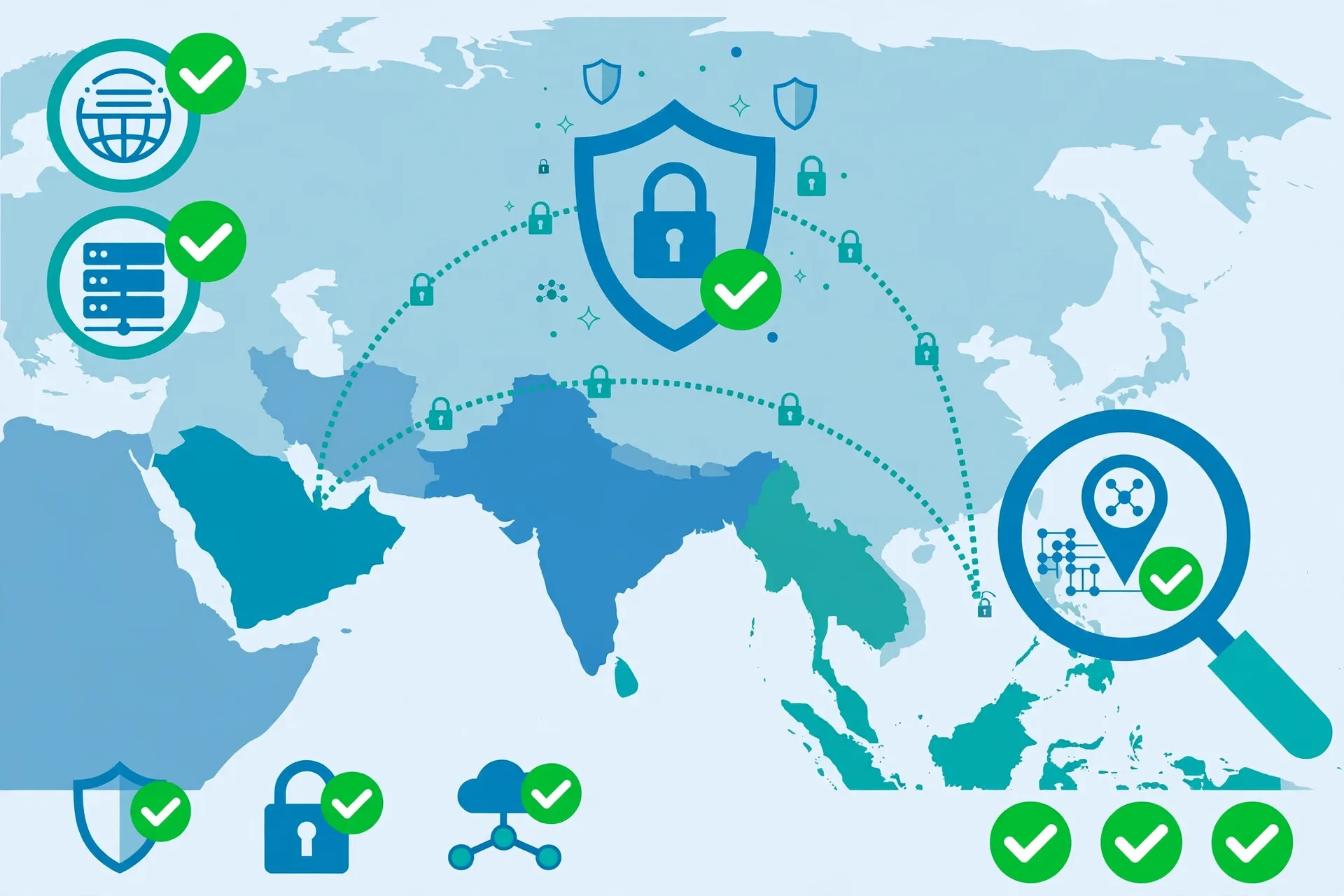
Troubleshooting: Vietnam IP Not Showing
The most common problem is the IP lookup still showing Pakistan after you connect. The first thing to check is whether the VPN actually connected. Quit the app completely, reopen it, and connect again. Some apps show a connected label while the tunnel is still setting up, and a lookup run too early will show your real location.
If the app is definitely connected but the lookup still shows Pakistan, check for a DNS leak first, then check WebRTC in your browser. One of those two causes most “VPN not working” reports, and both are fixable with the steps in the verification section. If the leak test shows your internet provider’s DNS servers, change the DNS setting in the VPN app to the provider’s own DNS.
A second common problem is the IP lookup showing a different country, such as Singapore, instead of Vietnam. That usually means the server is a virtual or Smart Routing location, and the IP address is registered in the country the lookup reports. Try a different Vietnam server or a different city, and check the provider’s server list to see whether it labels the location as virtual.
A third problem is the service you want still blocking you even though the lookup shows Vietnam. Clear your browser cookies and cache, or open the service in a private browsing window, because an old cookie can carry your previous location. If that does not work, the service may be checking your account’s registered country or your GPS position, and neither is something a VPN can change.
If nothing works, switch protocols. Change from WireGuard to OpenVPN in UDP mode, or the other way round, and try again. Some Pakistani networks filter one protocol and not the other, and a protocol change is a quick test. If the VPN will not connect at all, try mobile data instead of your home Wi-Fi, because the problem may be your network rather than the VPN.
Vietnam IP Address in Pakistan: What to Know Before You Rely on It
A Vietnam IP address from Pakistan is a practical tool, but it has limits that an honest guide should state plainly. First, a VPN does not make you anonymous.
It hides your traffic from your internet provider and changes the IP address a website sees, but the service you log into still knows your account, and your VPN provider can see that you are connected. A VPN is a privacy tool, not an invisibility cloak.
Second, a VPN cannot guarantee access to any service. A service can block known VPN IP addresses, require a local phone number, or check your account’s registered country. If a service blocks VPN traffic, switching servers sometimes helps, because the block is usually aimed at specific IP addresses, but it is not a reliable fix.
Third, speed will drop. Your traffic travels from Pakistan to the Vietnam server and then on to the website, which adds distance and encryption overhead. For browsing and standard video this is rarely noticeable, but for live sports or high-definition streaming it can matter. Test the speed yourself before you pay for a long subscription.
Fourth, VPN use in Pakistan is a subject readers should check for themselves. Pakistan’s telecom regulator, the PTA, has run VPN registration programmes, and the rules have changed over time. This guide does not give legal advice, and we could not verify the current registration position from an official source at the time of writing. Check the PTA’s current guidance before you rely on any VPN in Pakistan.
Vietnam IP Address: Frequently Asked Questions
How Do I Confirm My IP Is Located in Vietnam?
Connect to a Vietnam server, then visit an IP lookup site and check the country it reports. The country should say Vietnam and the IP address should differ from your baseline without the VPN.
Also run a DNS leak test to confirm your DNS requests go through the VPN, and a WebRTC test in your browser to confirm your real IP is not leaking. Check at least two lookup services, because geolocation databases sometimes disagree.
Does Selecting Vietnam Change Device GPS?
No. A VPN changes only the IP address that websites see. Your phone’s GPS still reports your real physical position in Pakistan, and apps that use GPS will still see Pakistan. Some apps ask for location permission and use GPS instead of your IP address, and a VPN cannot change that. Turning off location access for such an app may help, but some apps will not work without it.
What Should I Check Before Using a Location-Sensitive Service?
Check four things before you rely on a Vietnam IP for a service. First, confirm the VPN server is genuinely in Vietnam or presents a Vietnamese IP, and verify it with an IP lookup. Second, read the service’s terms, because some services prohibit VPN use and can restrict your account.
Third, check whether the service also needs a local phone number, payment method, or account registered in Vietnam. Fourth, clear your browser cookies or use a private window so an old location cookie does not override your new IP.
Conclusion: Getting a Vietnam IP Address From Pakistan
Getting a Vietnam IP address from Pakistan comes down to three steps: pick a VPN that genuinely lists Vietnam, connect to its Vietnam server, and verify the result with an IP lookup and a leak test before you open the service you need.
Surfshark covers the job with a Ho Chi Minh City location, WireGuard, and unlimited devices, and its trial and money-back guarantee let you test the Vietnam server on your own connection before you commit.
Test it with the 7-day free trial, verify the IP the way this guide shows, and let your own connection decide whether the setup works for you.
A Vietnam IP opens Vietnamese content and services from Pakistan, but it does not change your GPS, your account region, or a service’s terms, so check those before you rely on it. Get the setup right, and the connection is simple, private, and reliable, with 80% off for our users.
Surfshark — our recommended VPN for Pakistan
Get your Vietnam IP in two minutes — 80% off for our users.



