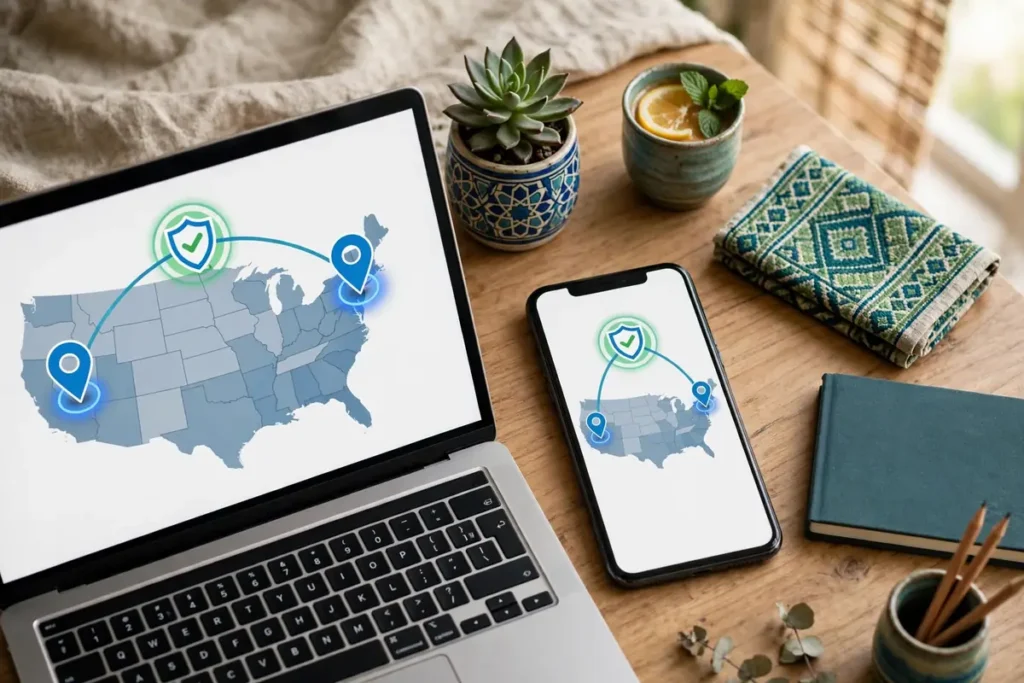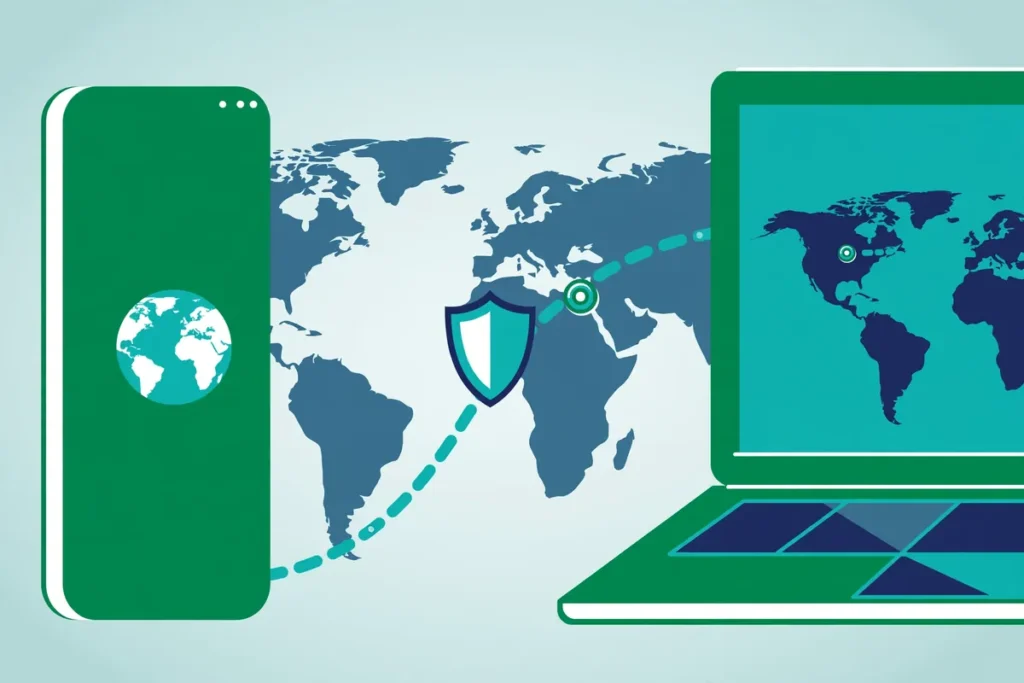
The fastest reliable way to get a USA IP address from Pakistan is to use a VPN: install the app, sign in, connect to a server in the United States, and every website you visit will see a US exit IP instead of your Pakistani one.
If you want this done in a couple of minutes with unlimited devices on one account, Surfshark is our recommended starting point — it has servers across the US, apps for every platform covered in this guide, and long-term plans that work out far cheaper than paying monthly. Get Surfshark here — 80% off for our users.
The steps below work with any reputable VPN that offers US servers, and this guide also explains how to verify your new IP, why a site might still show the wrong country, and why your IP location, your GPS location, and your account country are three different things.
Quick Answer: How to Get USA IP Address in Five Steps
If you only need the short version of how to get USA IP address access from Pakistan, here it is:
- Choose a VPN with genuine USA servers and apps for your devices (Windows, Android, iPhone, or router).
- Create an account and install the official app from the provider’s website or your device’s app store — never a random APK or modded client.
- Sign in and connect to a USA VPN server. Pick a city if the app offers one; east-coast and west-coast locations behave differently for speed.
- Verify the exit IP with an IP checker to confirm it shows the United States before you open the site or app you actually need.
- Check the app or service itself. If it still shows Pakistan content, the issue is usually GPS, cached data, or your account region — not the VPN. Sections below cover each fix.
That is the whole process. Everything after this section exists because “connected” and “working correctly” are not always the same thing, and because readers in Pakistan run into specific issues — app-based location checks, account regions set at signup, and services whose terms tie eligibility to residency rather than to an IP address.
What a USA IP Address Actually Is (and What It Is Not)
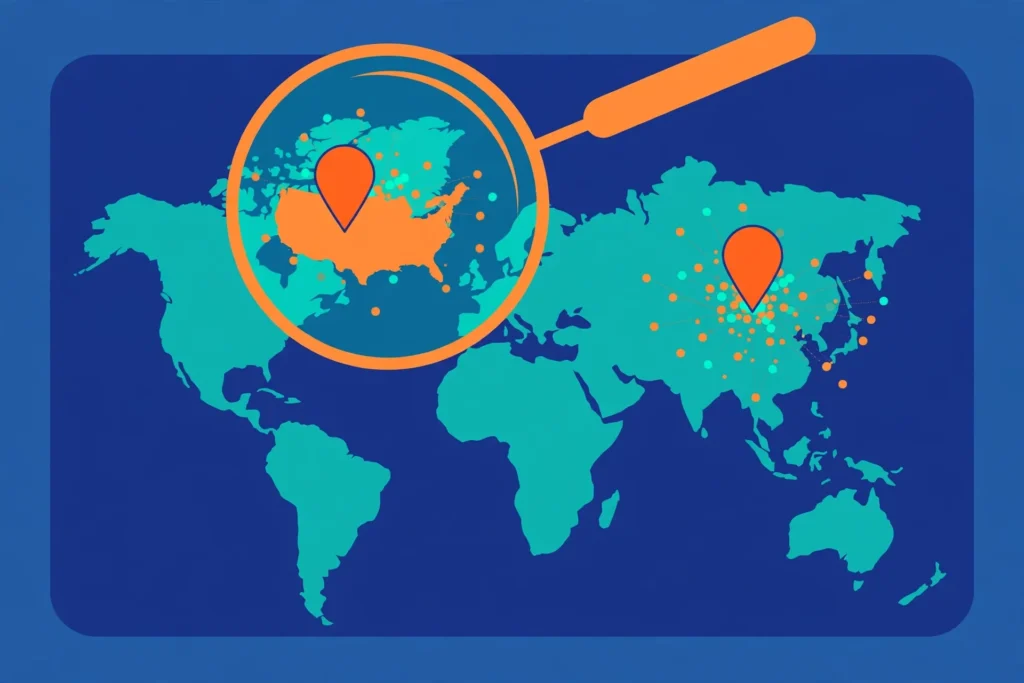
Every device connected to the internet uses an IP address, and IP addresses are allocated in blocks that geolocation databases map to countries and cities. When you browse from Lahore, Karachi, or Islamabad without a VPN, websites see a Pakistani IP allocated to your internet provider.
When you connect to a VPN server in the United States, your traffic exits the internet from that server, so websites see the server’s US IP address instead. This is what people mean by a “USA IP”: it is the exit point of your connection, not a change to your device, your identity, or your physical location.
Three clarifications matter before you go further:
- Your real IP is hidden, not deleted. Your internet provider can see that you are connected to a VPN server, but not which US websites you visit through the tunnel. The websites see the VPN’s IP, not yours.
- An IP address is an approximation. Geolocation databases occasionally place an IP in the wrong city or even the wrong state. A checker showing “Ashburn, Virginia” or “Dallas, Texas” is normal — what matters is that the country reads United States.
- A USA IP does not make you a US resident. It changes how your connection appears. It does not change your identity, your documents, your payment method’s country, or your eligibility for services that require US residency. We return to this in the section on location-sensitive services, because confusing these things is the single most common reason this process “doesn’t work” for people.
What You Need Before You Start: Choosing an Eligible Provider
Not every VPN can deliver a usable USA IP from Pakistan. Before following the steps, confirm the provider you pick meets these criteria — this is the selection checklist we use at Free VPN Pakistan for every country guide:
- Real USA server locations. The provider should list multiple US cities, not a single “USA” entry. Multiple cities give you a fallback if one location is congested or mis-geolocated.
- Apps for your actual devices. A USA IP address on iPhone is useless if you needed it on your Windows PC. Check the provider supports every device you plan to use, or offers router setup to cover the whole home.
- A kill switch. If the VPN drops for a second, your real Pakistani IP can leak mid-session. A kill switch blocks traffic until the tunnel reconnects.
- A clear no-logs policy and modern protocols. WireGuard, Lightway, or OpenVPN are the current standards. Avoid unknown “free VPN” apps with no published privacy policy — many exist purely to harvest data.
- A money-back guarantee. This lets you test from your own network in Pakistan and get a refund if performance is poor, instead of relying on anyone else’s speed claims.
Free VPNs can sometimes provide a US exit IP, but most trustworthy free plans either do not let you choose the country, assign the server automatically, or cap data so low that the connection is only good for a quick check. If your need is a one-off — reading a US page or checking a price — a reputable free plan may be enough.
For daily use, streaming, or work, a paid plan is the realistic option.
Surfshark — our recommended VPN for Pakistan
Full premium features on the long-term plan, backed by a 30-day money-back guarantee.
Step by Step: Get USA IP from Pakistan on Any Device
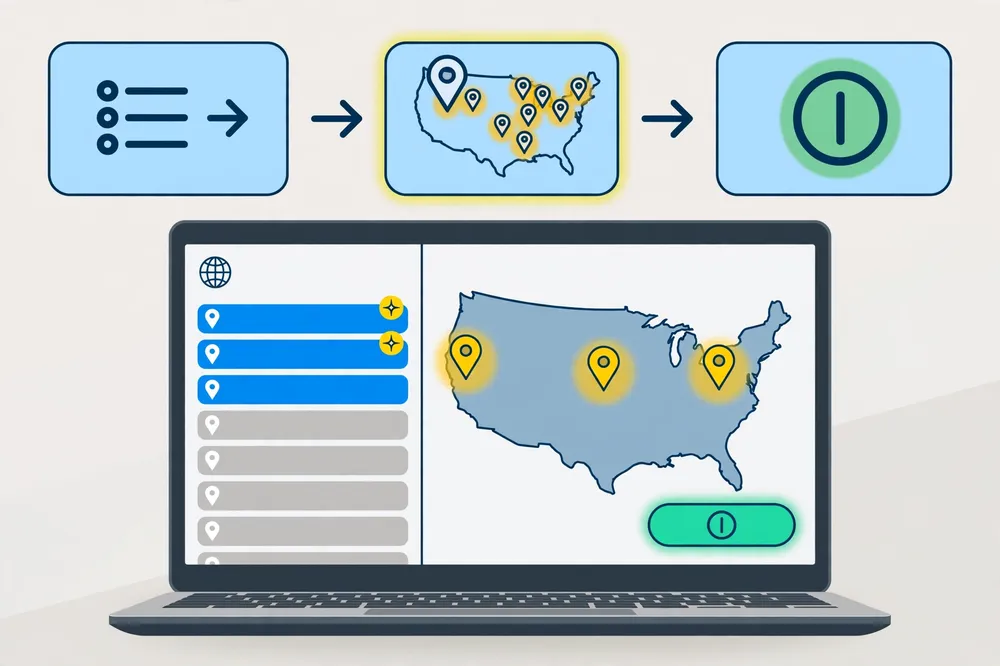
The workflow to get USA IP from Pakistan is identical in logic on every platform: install, sign in, select the United States, connect, verify. The taps differ slightly, so here is the same process broken down by device, covering the supporting searches readers actually make — USA IP address on Android, USA IP address on iPhone, and USA IP on Windows.
Connect to a USA VPN Server on Windows
- Download the VPN app for Windows from the provider’s official website and install it.
- Sign in with the account you created at checkout.
- Open the locations list and search for “United States.” Most premium providers list individual cities — New York, Los Angeles, Chicago, Dallas, Miami, and others.
- Double-click a city (or select it and press Connect). Choose the city closest to the service you need, or simply the one the app marks as fastest or least loaded.
- Wait for the app to show “Connected” with a US flag or city name, then verify your IP (next section) before opening your target site.
If your whole household needs a USA IP — a smart TV, a games console, a work laptop — a router installation covers everything at once. Most major providers publish router setup guides; the router connects to the US server and every device behind it inherits the USA IP.
USA IP Address on Android
- Install the VPN app from the Google Play Store (search the provider’s exact name; avoid similarly named clones).
- Open the app, sign in, and grant the VPN permission prompt when Android asks — this is the standard system dialog that allows the app to create a VPN configuration.
- Tap the location picker, choose United States, and pick a city if offered.
- Connect, confirm the key/VPN icon in your status bar, then verify your exit IP in the browser.
- Optional but useful: enable the kill switch in the app settings (often called “always-on VPN” support or a built-in blocker) so a dropped tunnel never exposes your real IP.
USA IP Address on iPhone
- Install the provider’s app from the App Store and sign in.
- When iOS asks to add a VPN configuration, approve it with Face ID, Touch ID, or your passcode. This is Apple’s own permission screen and every legitimate VPN app needs it.
- Select United States from the locations list and connect. iOS shows a “VPN” indicator while the tunnel is active.
- Open Safari and verify your IP location before using the service you need.
- If you switch between Wi-Fi and mobile data often, leave the app’s on-demand setting enabled so the tunnel re-establishes after network changes.
A Note on Choosing Which US City to Use
Pakistan is roughly 11,000 km from the US west coast and further from the east coast, so every US connection adds latency.
As a practical rule: west-coast locations (Los Angeles, San Jose, Seattle) usually give the lowest ping from Pakistan because the distance is shorter; east-coast locations (New York, Ashburn, Miami) are what most US services treat as the “default” American audience and occasionally work better for US-only platforms. If a service misbehaves on one coast, switching coasts is a legitimate troubleshooting step, not a gimmick.
How to Verify Your USA VPN IP
Never assume the connection worked — verify USA VPN IP results before you rely on them. Verification takes ten seconds:
- Disconnect the VPN and open an IP checker (search “what is my IP” or use any checker site). Note your normal Pakistani IP and location.
- Connect to the USA server and refresh the checker. It should now display a US IP address with a United States location.
- Check for leaks. A good checker also shows your DNS servers. If the IP says USA but the DNS shows your Pakistani ISP, you have a DNS leak — enable the VPN’s built-in DNS/leak protection or switch protocol and retest.
- Test the actual service. Open the website or app you needed the US IP for, in a fresh browser session or after clearing the site’s cookies, and confirm it now serves the US version.
If step 2 shows the USA but step 4 does not, the VPN is working and the problem sits with the app or account — which is exactly what the next section explains.
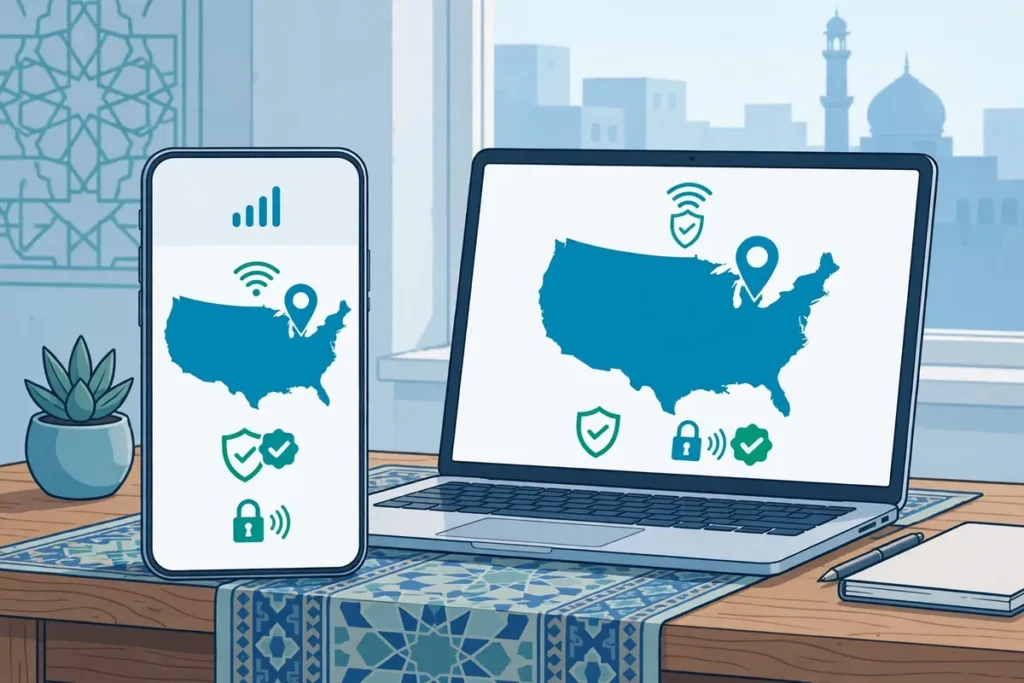
IP Country, GPS, and Account Country: Three Different Things
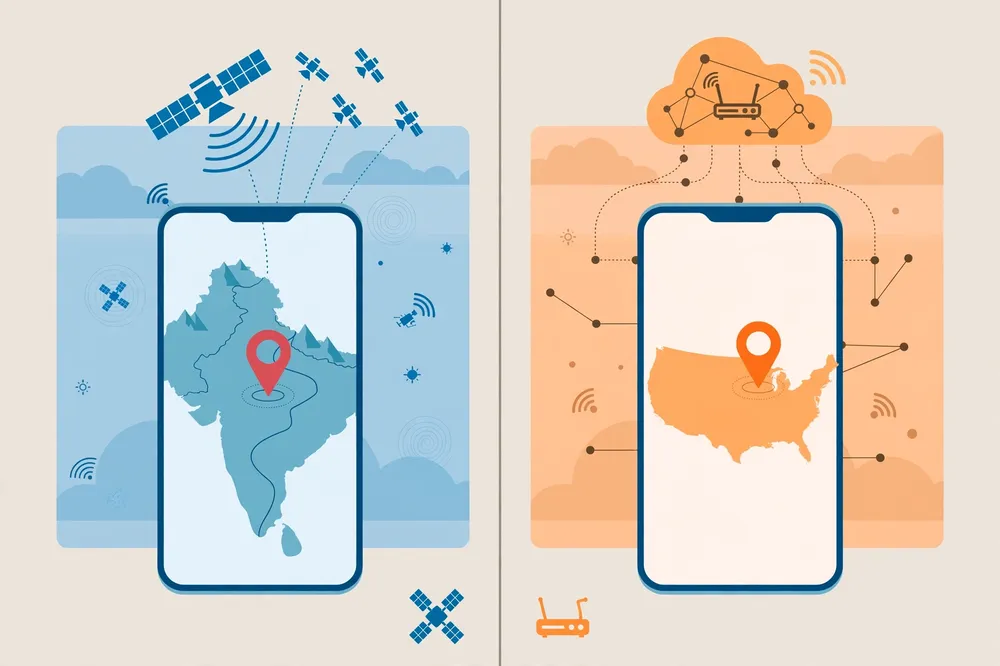
This is the information gap most “how to get a US IP” guides skip, and it is the reason many readers conclude their VPN is broken when it is not. Services can estimate your location from at least three independent signals:
| Signal | What it is | Does a VPN change it? |
|---|---|---|
| IP country | The country your exit IP geolocates to | Yes — this is exactly what connecting to a US server changes |
| Device GPS / location services | Your phone’s physical position from GPS, Wi-Fi, and cell data | No — the device still knows it is in Pakistan |
| Account country | The region stored on your account when you signed up (app stores, streaming, banks) | No — it is fixed in the provider’s records until changed through their process |
Does Selecting USA Change Device GPS?
No. This is one of our FAQ questions because it confuses so many people: choosing a USA server changes your IP address only. Your phone’s GPS, your browser’s location permission, and any app with location access will still report Pakistan.
Some apps — maps, delivery, ride-hailing, some banking and gaming apps — rely on GPS or on your account region rather than IP, and a VPN will not (and is not designed to) change what they see. Browser-based services overwhelmingly use IP; native apps are more likely to mix signals.
If an app insists you are in Pakistan while your verified IP says USA, GPS or account region is almost always the reason.
What Should You Check Before Using a Location-Sensitive Service?
Before you depend on a USA IP for anything that matters, check four things:
- The service’s terms. Some platforms permit access only to residents or to users physically in the US, regardless of IP. A VPN changes appearance, not eligibility — using a service against its terms can lead to account restrictions, and no guide can promise otherwise.
- Your account’s existing region. Accounts created in Pakistan often stay “Pakistan accounts” internally. The IP change may not convert catalogues, pricing, or features tied to the account region.
- Your payment method. A Pakistani card on a US-priced checkout can be declined or can itself flag the transaction’s region. This is the service’s fraud prevention working as designed.
- Consistency. Services notice accounts that appear in Pakistan in the morning and the USA at night. If you use a US IP for a particular account, connect the same way each time you use that account.
None of this means a USA IP is not useful — for privacy on public Wi-Fi, for accessing US websites and content that is offered to US visitors, for testing how a site looks to an American audience, and for keeping your ISP from profiling your browsing, it does exactly the job. It simply is not an identity change, and honest expectations prevent most disappointment.
Other Ways to Change IP to USA — And Why a VPN Wins
To change IP to USA, readers sometimes consider alternatives. Here is how they compare, honestly:
| Method | Changes IP to USA? | Encrypted? | Practical verdict |
|---|---|---|---|
| VPN | Yes, selectable US cities | Yes, full-device tunnel | The reliable, recommended method |
| Web proxy | Sometimes, one browser tab only | Usually no | Fine for a single page check; unsafe for logins |
| Tor Browser | Random exit country; US not guaranteed | Yes, layered | Strong anonymity, very slow, exit country not selectable in normal use |
| Smart DNS | Changes apparent region for some services | No | No privacy protection; does not hide your IP |
| Asking your ISP | No — Pakistani ISPs cannot issue US IPs | n/a | Not an option |
The proxy and Tor rows matter because some guides present them as equal alternatives. They are not: a proxy typically protects nothing beyond one tab and can see your traffic, and Tor optimises for anonymity rather than a stable, chosen US location. For a durable USA IP address on Android, iPhone, and Windows with encryption, the VPN is the only method that ticks every box.
Troubleshooting: Why Your USA IP Shows the Wrong Location
When readers say “I connected to the USA but the site still shows Pakistan” (or shows a different US state than expected), work through this list in order:
- You are checking a cached session. Log out, clear the site’s cookies, or open it in a private window after connecting. Sites remember earlier visits.
- The app uses GPS or account region. See the section above — the VPN cannot change those signals.
- A DNS or WebRTC leak. Your browser may be revealing your real location alongside the tunnel. Retest with a leak checker; disable WebRTC leaks in the browser or use the provider’s app-level protection.
- The geolocation database disagrees. Free IP databases sometimes place a server in a neighbouring state or, rarely, the wrong country. Switch to a different US city and re-verify — this fixes most “wrong location” reports.
- Split tunneling is excluding the app. If you enabled split tunneling earlier, the app you are testing may be routed outside the VPN entirely. Turn it off for the test.
- You connected to a “virtual” location. Some providers list locations whose servers physically sit elsewhere but register IPs in the named country. This is normally fine for IP purposes, but if a particular service is strict, try another city.
- The VPN dropped without you noticing. Enable the kill switch and auto-reconnect so a silent drop never leaves you browsing on your real IP.
Pakistan-Specific Notes: Networks, Payments, and Sensible Use
A few practical points apply specifically to readers following this guide from Pakistan:
- Connection quality varies by ISP and time of day. Long-distance US routes are sensitive to international bandwidth congestion in the evening. If a US server feels sluggish at 9 p.m., testing a different city or the WireGuard/Lightway protocol setting usually helps more than reinstalling anything.
- Payments are in USD. Premium VPNs bill in dollars, so your bank may add an international transaction fee or require international transactions to be enabled on your card. Treat any PKR figure in VPN guides (including ours elsewhere on this site) as a dated estimate at the day’s exchange rate, not a fixed price.
- Follow local rules and platform terms. VPN use in Pakistan sits within a regulatory framework overseen by the PTA, and individual services have their own terms. Use a USA IP for legitimate privacy and access purposes, and read any service’s eligibility rules before depending on it for something important.
- Keep the VPN’s own account safe. Use a strong unique password and two-factor authentication where offered — your VPN account is now a master key to your apparent location.
Frequently Asked Questions
How Do I Confirm My IP Is Located in USA?
Connect to a USA server, then open an IP checker in your browser. It should show a United States country location (the city may vary by database). Also confirm the DNS results do not show your Pakistani ISP, which would indicate a leak.
Does Selecting USA Change Device GPS?
No. A VPN changes your IP address location only. Your phone’s GPS, location services, and any app with location permission will still report that the device is physically in Pakistan, and services using those signals will not see a US location.
What Should I Check Before Using a Location-Sensitive Service?
Check the service’s terms for residency or eligibility rules, whether your existing account region is fixed to Pakistan, whether your payment method’s country could block the transaction, and connect consistently from the same location for that account.
Can I Get a USA IP Address for Free?
Sometimes, for light use. A few reputable free plans include US servers, but most either assign the country automatically, limit data severely, or exclude the US from the free list. If you need a specific US city daily, a paid plan is the dependable route.
Is It Better to Choose a US City Near Pakistan or Near the Service?
Start with the city the app recommends or a west-coast location for lower latency from Pakistan. If a US service behaves oddly, trying an east-coast city is a reasonable second test, since many US platforms are calibrated around eastern time zone audiences.
Surfshark — our recommended VPN for Pakistan
Unlimited simultaneous connections, servers in 100 countries, and a 30-day money-back guarantee.
Conclusion
Learning how to get USA IP address access from Pakistan is mostly about understanding what you are actually changing: your exit IP, nothing more and nothing less. Pick a reputable provider with genuine US cities, install the official app, connect to a USA VPN server, and verify the result before you rely on it.
When something still shows Pakistan, methodically check the other two signals — GPS and account country — before blaming the VPN. For readers who want this set up once and forgotten, with unlimited devices and US servers included, our standing recommendation is Surfshark: claim the reader offer — 80% off for our users.
And for more Pakistan-focused privacy guides, start from the Free VPN Pakistan homepage, where we publish every new guide we verify.