
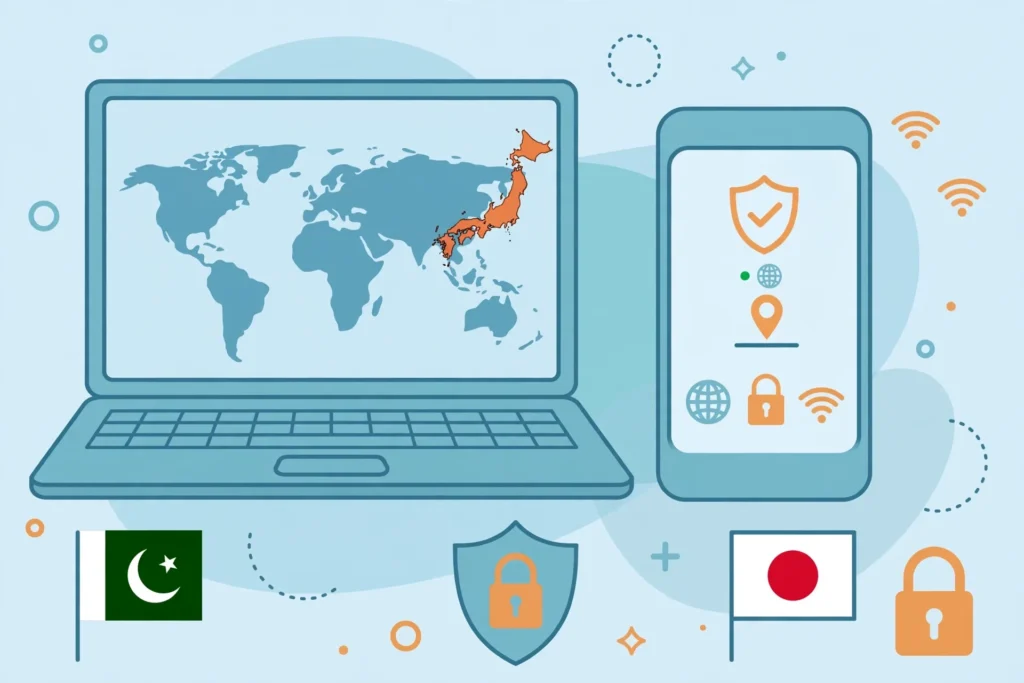
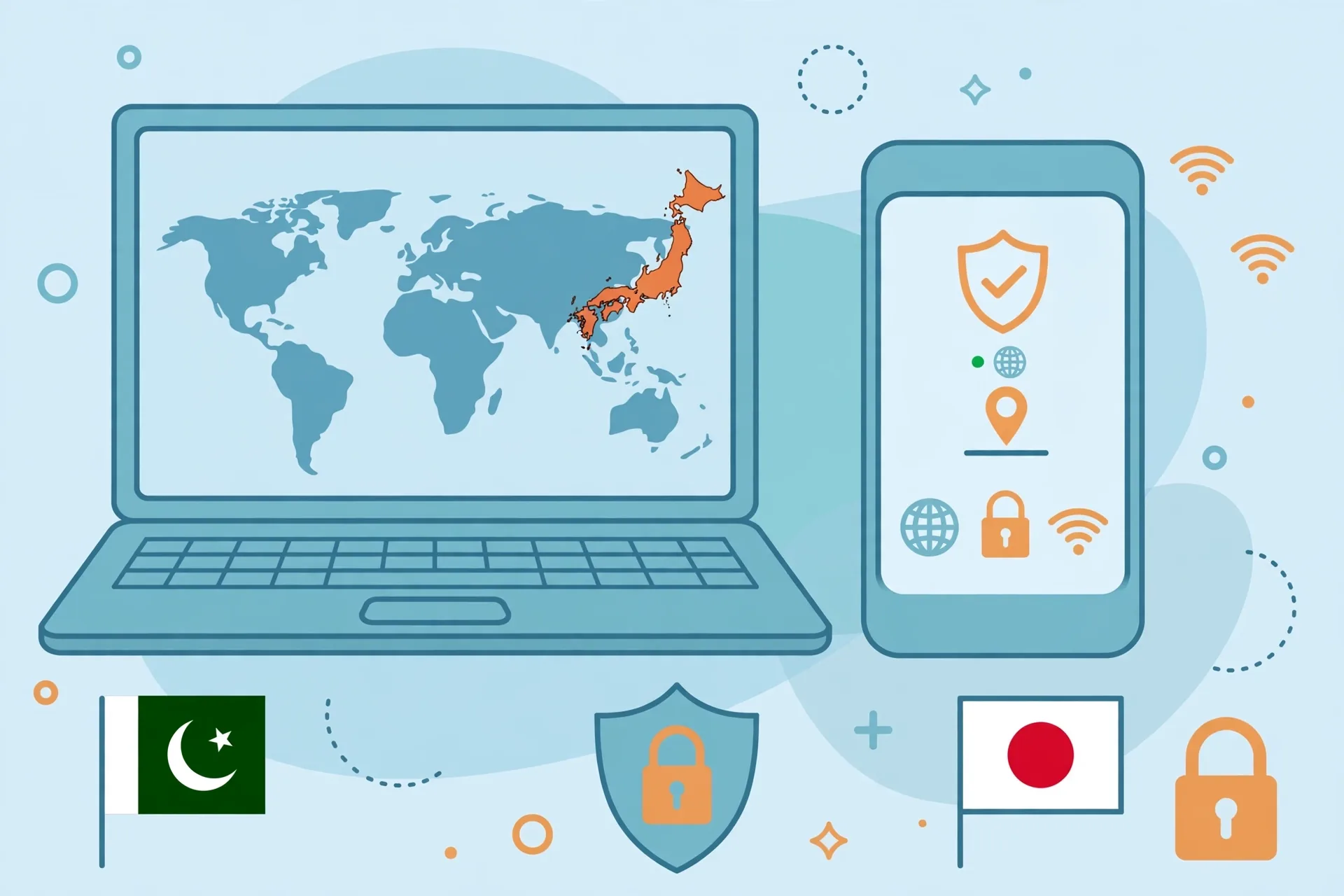
Getting a Japan IP address from Pakistan takes about five minutes once you have the right tool: a VPN with servers in Japan. For most readers in Pakistan, Surfshark is the simplest choice — it lists Japan servers on every plan, allows unlimited simultaneous connections, and our readers can claim 80% off with Surfshark through the link in this guide.
You sign up, install the provider’s official app, connect to a Japan location, and websites then see a Japanese IP address instead of your Pakistani one.
This guide walks through the full process step by step: choosing an eligible provider, connecting to Japan on Android, iPhone and Windows, verifying the result, and fixing the mismatches that most often confuse first-time users. It also explains what a Japan IP does and does not change, because an IP address is only one of several signals that apps and websites check.
How to Get a Japan IP Address From Pakistan in 5 Steps
The short answer is straightforward. First, choose a VPN provider that currently lists Japan in its server locations and accepts sign-ups from Pakistan. Second, download the provider’s official app from its own website or your device’s app store. Third, sign in and select Japan — or a specific Japanese city such as Tokyo or Osaka where the provider offers one.
Fourth, connect and wait for the app to confirm the tunnel is active. Fifth, verify the result on an independent IP lookup page before you sign in to anything location-sensitive.
Each of those steps has a detail worth getting right. A provider can list Japan yet restrict that location to paid plans, so a free account may connect you somewhere else entirely. Some providers run virtual Japan servers that are physically hosted elsewhere, which a few strict services detect.
And connecting is not the same as verifying: your device can show “connected” while a DNS leak still exposes your real location. The sections below cover each step in full.
What a Japan IP Address Changes — and What It Does Not
A Japan IP address changes the network location that websites observe. When your VPN tunnel is active, your traffic exits through a server in Japan, so the public IP address attached to your requests is the server’s Japanese address. Geolocation databases generally report that address as being in Japan, and sites that check IP location will treat your visit as coming from Japan.
What it does not change matters just as much. A VPN does not move your device’s GPS position, so an app that reads GPS will still see your real location in Pakistan. It does not change the country registered on your accounts — a Google Play country setting, an Apple ID region, or a streaming account created in Pakistan stays Pakistani.
It does not change which country your payment method belongs to, and it does not make you eligible for region-specific offers or content that depends on those account details.
These are four separate signals — exit IP, GPS, account region, and payment method — and a service can check any combination of them. That is why a Japan IP is sometimes enough for a website, yet a mobile app with the same service still refuses access. Understanding the distinction before you pay for anything saves most of the frustration reported by new VPN users in Pakistan.
Choose an Eligible VPN Provider With Japan Servers
Not every VPN offers Japan, and among those that do, the details differ. Confirm four things before subscribing: Japan (or Tokyo/Osaka) appears in the provider’s current location list; the location is included in the plan you intend to buy, not only in a higher tier; the provider’s apps cover your devices; and the provider accepts payment methods available to you in Pakistan.
Check the provider’s own pricing and server pages on the day you sign up, because server lists and plan terms change.
The providers most often recommended for Japan in current independent guides are NordVPN, Proton VPN and ExpressVPN, with Surfshark as the budget pick. NordVPN lists Tokyo and Osaka among its Japan locations, Proton VPN lists Tokyo and Osaka with more than 300 servers across the two cities according to a November 2026 test, and ExpressVPN lists Tokyo, Osaka, Shibuya and Yokohama.
These figures come from third-party testing published in November 2026 and may change, so treat them as a guide rather than a fixed quote.
Why Surfshark Is Our Recommended Pick for Pakistan
Surfshark is our recommended VPN for Pakistan because it combines the features this task actually needs: Japan servers on every plan, apps for Windows, macOS, Android and iOS, unlimited simultaneous connections for a whole household, and a 30-day money-back guarantee so you can test a Japan connection from Pakistan before committing.
You can claim 80% off for our users through our Surfshark link, which makes it the cheapest way to get a reliable Japan IP address from Pakistan.
Surfshark — our recommended VPN for Pakistan
Japan servers on every plan, unlimited devices and a 30-day money-back guarantee — claim 80% off for our users today.
What Free Plans Can and Cannot Do
Free VPN plans are a poor fit for this particular job, and the reason is specific to Japan. Most free tiers either exclude Japan entirely or refuse to let you choose a country. According to a November 2026 test by Gizmodo, the free tiers from Windscribe, PrivadoVPN and hide.me exclude Japan, and TunnelBear’s free plan lost its country picker in an app update released in January 2026.
Proton VPN’s free tier does include Japan among its ten countries, but the app decides which country a free account receives — Japan was not offered during that test — so you cannot rely on it.
That finding matches the pattern across the market: country choice is normally a paid feature. If a free app promises a Japan IP with no payment, treat the claim with caution and verify the exit IP yourself after connecting, because some such apps route traffic through overloaded shared servers or log activity aggressively.
For a one-off check, a paid provider’s money-back window is a safer route than an unknown free app.
Connect to a Japan VPN Server
Once your provider is chosen, the connection itself is simple. Download the official app — from the provider’s website for Windows and macOS, or from Google Play and the App Store for mobile — and sign in with the account you created at checkout. Open the server or location list, search for “Japan”, and pick the country or a specific city.
Tap or click Connect, then wait for the app to show a connected state with a new IP address and, in most apps, the server name and your new location.
If the provider offers a choice of cities, Tokyo is the usual default and the best starting point, because it typically has the most capacity. Osaka is the alternative when Tokyo feels slow or a particular service flags the Tokyo exit IP.
Some apps also offer a “fastest server” option, but that picks the fastest location overall — often a server in your own region — so do not use it when you specifically need Japan. Always select Japan explicitly.
Get a Japan IP Address on Android
Android setup follows the same pattern, with one extra permission step. Install the VPN app from Google Play, open it, and sign in. Android will ask you to approve a VPN connection the first time you connect — tap OK on the system prompt that says the app wants to set up a VPN connection. Then search the location list for Japan, select Tokyo or Osaka, and tap Connect.
The key icon in the status bar confirms the tunnel is active.
Two Android details deserve attention. First, keep the app’s permission to run in the background, or Android’s battery optimisation may kill the tunnel when the screen locks. Second, if you use the app for a location-sensitive service, check whether the app reads GPS: on Android, a VPN cannot change GPS, so an app that checks location through Google Play services will still see Pakistan.
Some Android users enable mock-location tools to work around this, but that is outside what a VPN does and can breach the target service’s terms, so this guide does not recommend it.

Get a Japan IP Address on iPhone
On iPhone, install the VPN app from the App Store and sign in. The first connection triggers an iOS system prompt asking you to allow the app to add VPN configurations — tap Allow and confirm with Face ID, Touch ID or your passcode. Then open the location list, choose Japan, and tap Connect.
The VPN icon appears in the status bar, and the app’s home screen shows your new Japanese IP address.
iPhone users face the same GPS limitation as Android users: iOS does not let a VPN change the device’s GPS position. An app that checks location through Core Location will still see Pakistan. Browser-based services are easier, because Safari and other browsers rely mainly on IP and on the browser’s own location permission, which you can deny.
If a service still refuses access on iPhone after the VPN connects, the cause is usually GPS or account region, not the IP address itself.
Get a Japan IP Address on Windows
Windows setup is the most forgiving of the three platforms. Download the installer from the provider’s official website, run it, and sign in. Open the location list, search for Japan, select Tokyo or Osaka, and click Connect. The app shows the connected server, your new IP address, and usually the protocol in use — WireGuard or OpenVPN in most modern apps.
You can read our explainer on OpenVPN if you want to understand the protocol options your app offers.
On Windows, two settings matter more than on mobile. Enable the kill switch in the app’s settings so your real Pakistani IP is never exposed if the tunnel drops, and check that the app is not split-tunnelling your browser outside the VPN by accident.
Some apps let you choose which apps bypass the VPN; if your browser is on that list, websites will see your real IP even while the app reports a Japan connection. Keep split tunnelling off until the Japan IP is verified.
Get a Japan IP Address on macOS
On macOS, download the installer from the provider’s official website and open the downloaded file. Install the app, then sign in with your account. The first connection triggers a system prompt asking you to allow the app to add VPN configurations — approve it with your Mac password or Touch ID. Then open the location list, choose Japan, and click Connect.
The app’s menu-bar icon shows the connection state at a glance.
macOS users should check one setting that Windows users rarely face: the system’s own location services. A browser or app that has permission to use macOS Location Services can read your real position even while the VPN is connected. Open System Settings, go to Privacy and Security, then Location Services, and review which apps hold permission.
Deny it for any app where location is not needed, and the Japan IP will be the only signal those apps can read.
How to Verify Your Japan VPN IP
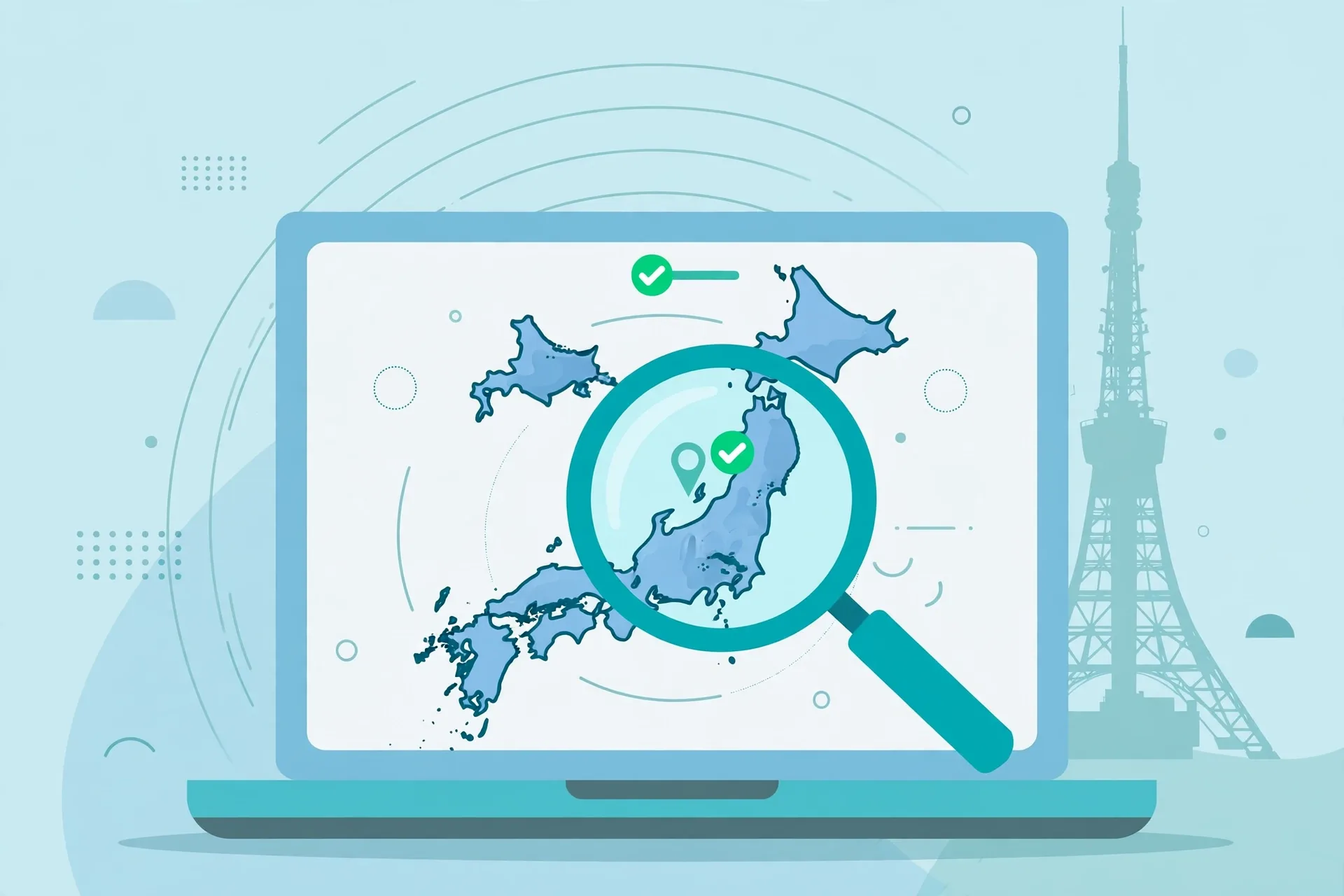
Verification takes less than a minute and should never be skipped. With the VPN connected to Japan, open a fresh browser window and visit an IP lookup site such as ipleak.net or whatismyip.com. The page should show a Japanese IP address, the country Japan, and a city matching the server you selected.
Check the same page in the browser you actually plan to use, because a browser extension or a split-tunnel rule can send one browser outside the VPN while another stays inside it.
Run the same check a second time after a few minutes, especially if you are about to sign in to a bank or a broadcaster account. VPN apps occasionally reconnect to a different server after a network change, and a mobile network switching between Wi-Fi and data can drop and re-establish the tunnel. A quick re-check before a sensitive sign-in is cheap insurance.
If you want a fuller verification routine, including DNS and WebRTC leak checks, see our WireGuard VPN test checklist.
Check App and Browser Location Settings
An IP address is only one location signal, so check the others before you conclude the setup has failed. In your browser, open the site settings for the service you want to use and confirm you have not previously granted it location access — a stored permission can let it read GPS even while the VPN is connected.
Clear the site’s cookies and cached data if you visited it before from Pakistan, because a stored session can carry your old region.
On the device itself, check the time zone and language settings. A device set to Pakistan Standard Time with an English (Pakistan) locale is not proof of location on its own, but combined with other signals it can tip a strict service’s fraud checks. Setting the time zone to Japan Standard Time is a small, harmless step that removes one inconsistency.
Do not change your device language unless you are comfortable using the service in Japanese.
Troubleshoot a Japan IP Mismatch
When the IP lookup still shows Pakistan, work through the causes in order. The table below covers the mismatches reported most often, with the fix for each. Start at the top: most cases are solved by the first two rows.
| Problem | Likely Cause | Fix |
|---|---|---|
| Lookup shows Pakistan | VPN not actually connected, or split tunnelling excludes the browser | Confirm the app shows Connected; turn split tunnelling off and reconnect |
| Lookup shows a different country | Wrong server selected, or the app picked the fastest server | Select Japan explicitly; do not use the fastest-server option |
| Country is Japan but the service still blocks | Service checks GPS, account region or payment method | Check GPS and account country; a Japan IP alone cannot change these |
| IP changes between checks | App reconnected to another server after a network switch | Reconnect to Japan and re-verify; enable the kill switch |
| DNS leak shows a Pakistani resolver | DNS requests bypass the tunnel | Enable the provider’s private DNS or leak protection in settings |
| Service worked yesterday, fails today | Exit IP flagged or rotated by the provider | Switch to another Japan city or server, then re-verify |
If none of these fixes the problem, the cause may be a virtual server: a small number of providers run “Japan” locations on hardware hosted in another country, and strict services detect the mismatch between the advertised country and the server’s real network registration.
Switching providers is the only reliable fix in that case, which is why choosing a provider with physically hosted Japan servers is worth checking before you subscribe.
What to Check Before Using a Location-Sensitive Service
Before you use a Japan IP with a bank, a broadcaster, a game store or any service that restricts by region, check four things. First, read the service’s own terms: some services prohibit VPN use outright, and an account can be restricted for breaching them. Second, confirm your account’s registered country, because a Pakistan-registered account may stay ineligible even with a Japan IP.
Third, check the payment method: a Pakistani card or billing address can trigger a region mismatch at checkout. Fourth, test with a low-stakes action before a payment or a subscription change.
No VPN, including the providers named in this guide, can guarantee access to a specific service. Streaming catalogues, banking portals and game stores all run their own detection, and they update it regularly. A Japan IP is a necessary condition for some of these services, not a sufficient one, and any guide that promises guaranteed access is overstating what a VPN can do.
Japan IP Address Costs and Free Options
A paid VPN is the realistic route to a dependable Japan IP, and the cost is modest on a long-term plan. Surfshark’s longer plans are the cheapest of the well-known providers for Pakistan users, with 80% off for our users through the link in this guide, and its 30-day money-back guarantee lets you test Japan servers from Pakistan at no risk if you cancel inside the window.
NordVPN and ExpressVPN cost more per month on comparable terms, while Proton VPN sits in the middle; check each provider’s current pricing page before you decide, because promotional prices change frequently.
Free options exist but come with the limits described earlier: no country choice, or Japan excluded entirely. Proton VPN’s free tier is the only widely cited free plan that includes Japan among its countries, and even there the app chooses the country for you. If your need is a single short test, a money-back window on a paid plan is more reliable than any free tier.
For a longer view of what paid plans cost in Pakistan, see our Surfshark pricing guide for Pakistan and our NordVPN pricing guide for Pakistan.
Frequently Asked Questions
How Do I Confirm My IP Is Located in Japan?
Connect to a Japan server in your VPN app, then open an independent IP lookup site such as ipleak.net in the same browser you plan to use. The page should show a Japanese IP address, the country Japan, and a city matching your selected server.
Check twice — once right after connecting and again before any sensitive sign-in — because the app can reconnect to a different server after a network change.
Does Selecting Japan Change Device GPS?
No. A VPN changes only the IP address that websites and apps observe on the network; it does not move your device’s GPS position. Apps that read GPS through Android or iOS location services will still see your real location in Pakistan. Browser-based services are less affected, because browsers rely mainly on IP and on a location permission you can deny.
What Should I Check Before Using a Location-Sensitive Service?
Check the service’s terms for VPN use, your account’s registered country, and the country of your payment method — a Japan IP cannot change any of these. Clear the service’s cookies from earlier visits made from Pakistan, confirm the VPN shows a Japan IP on an independent lookup, and test with a low-stakes action before any payment. No VPN can guarantee access to a specific service.
Conclusion
Getting a Japan IP address from Pakistan is a five-step job: pick a provider that genuinely lists Japan, install its official app, connect to Tokyo or Osaka, verify the result on an independent lookup, and check the other location signals — GPS, account region and payment method — before relying on it.
Most failures come from skipping the verification step or from expecting an IP address to change things it cannot change, such as GPS or an account’s registered country.
Surfshark — our recommended VPN for Pakistan
Get a reliable Japan IP address from Pakistan with 80% off for our users and a 30-day money-back guarantee.
For most readers, Surfshark is the simplest way to get started: Japan servers on every plan, unlimited devices, and 80% off for our users with a 30-day money-back guarantee to test the connection from Pakistan. Whatever provider you choose, verify the Japan IP before every sensitive sign-in, and keep the troubleshooting table above bookmarked for the day a lookup shows the wrong country.



