A VPN on Apple TV works differently from a VPN on a phone or a laptop. There is no single toggle that fixes every problem. Apple TV runs tvOS, which has its own App Store, its own network settings and its own limits. A paid VPN still has the widest options for Apple TV, but the way you connect depends on the model you own, the apps the provider has built and the router or hotspot you can use.
This guide compares the paid VPN options that work with Apple TV in Pakistan. It explains the native tvOS app route, Smart DNS, router setup and mobile hotspot sharing. It also covers pricing in PKR, the speed you can expect on a typical Pakistani broadband connection and how to test that the connection is actually working.
Can You Install a VPN App Directly on Apple TV?
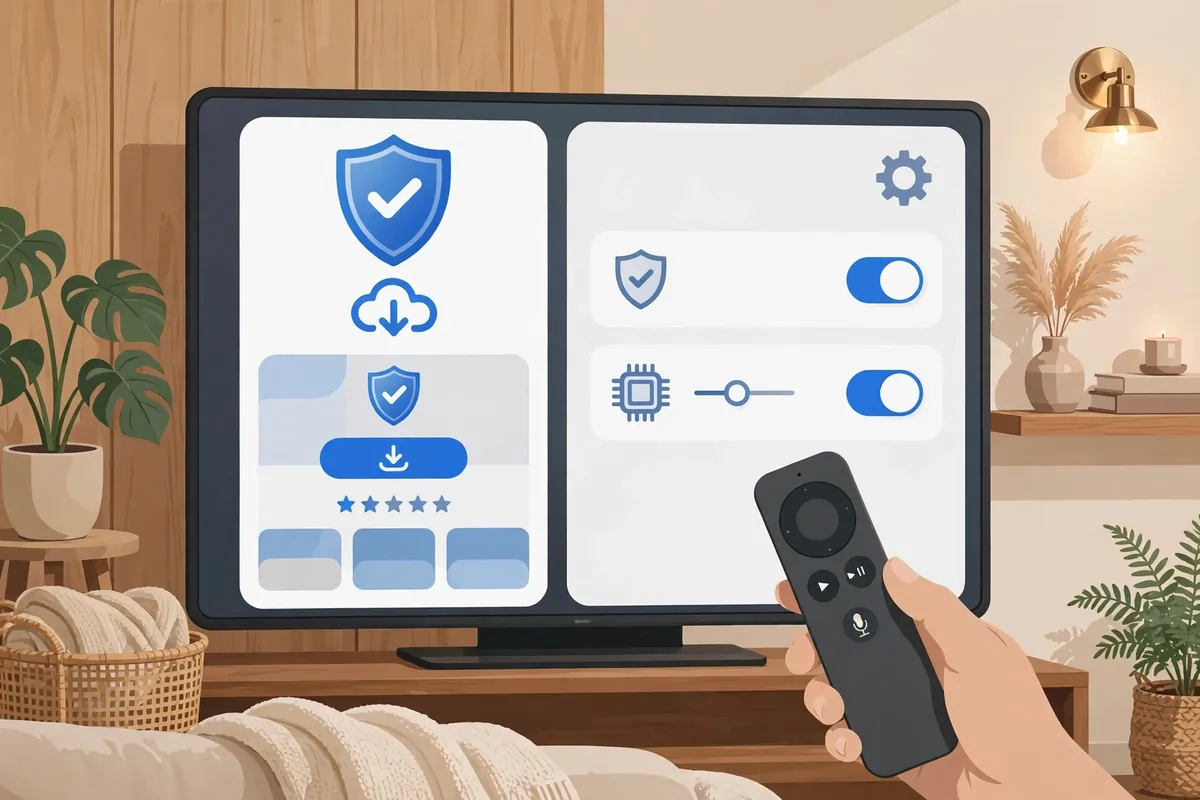
Yes, if your Apple TV runs tvOS 17 or later. Apple opened tvOS to VPN apps in September 2023. A provider must build a native tvOS app before you can install it. Not every paid provider has one. The providers with native tvOS apps are the easiest option for most users because they work inside the Apple TV interface, keep the connection alive across apps and let you switch locations without a computer or router.
To check your model, open Settings > General > About on the Apple TV. The model name and tvOS version appear there. Apple TV HD and Apple TV 4K (1st generation) received tvOS 17, so they can run VPN apps. Older models that stopped at earlier versions cannot run a native VPN app and must use Smart DNS, a router or a hotspot instead.
If your provider has no tvOS app, the alternatives are still usable. Smart DNS changes the DNS setting on the Apple TV and unblocks selected streaming services without encrypting traffic. Router setup protects every device on the network, including the Apple TV. A mobile hotspot or a laptop shared connection routes the Apple TV through a device that already runs the VPN. Each route has trade-offs in speed, effort and what it protects.
Apple TV VPN Setup Methods Compared
The table below compares the four common ways to run a paid VPN with Apple TV in Pakistan. The native app is the simplest when it exists. Smart DNS is the lightest. Router setup protects the whole home. Hotspot sharing is a useful fallback when nothing else fits.
| Method | What you need | Encrypts traffic | Difficulty | Best for |
|---|---|---|---|---|
| Native tvOS app | Apple TV with tvOS 17+, provider app | Yes | Easy | Daily use on one TV |
| Smart DNS | Provider Smart DNS addresses | No | Easy | Unblocking streaming apps |
| Router setup | Compatible router, VPN config files | Yes | Medium to hard | Whole home, every device |
| Hotspot sharing | Phone or laptop running the VPN | Yes | Medium | Temporary or travel use |
Best Paid VPNs for Apple TV in Pakistan
The providers below are the strongest paid choices for Apple TV in Pakistan. The comparison focuses on what matters for a TV: a native tvOS app, Smart DNS, router support, speed on long-distance servers and a price that stays reasonable when paid in PKR.
Surfshark is the strongest all-round choice for Apple TV. It has a native tvOS app, Smart DNS included in every plan, unlimited simultaneous connections and some of the lowest long-term prices. One subscription covers the Apple TV, phones, laptops and a router at the same time, which suits a Pakistani household with several devices.
NordVPN is the fastest option in most tests and also offers a native tvOS app and Smart DNS. Its long-term plans cost more than Surfshark, but the speed advantage shows on 4K streams and on servers far from Pakistan. ExpressVPN has the most polished router app and the widest Smart DNS support, but it is the most expensive of the group. Proton VPN has a tvOS app and a strong privacy record, though its server network is smaller in Asia. Private Internet Access and IPVanish have tvOS apps and low prices, but their speeds from Pakistan are less consistent.
| Provider | Native tvOS app | Smart DNS | Router support | Approx. monthly price (2-year plan) |
|---|---|---|---|---|
| Surfshark | Yes | Yes | Yes | About PKR 550–650 |
| NordVPN | Yes | Yes | Yes | About PKR 900–1,100 |
| ExpressVPN | Yes | Yes (MediaStreamer) | Yes | About PKR 1,800–2,200 |
| Proton VPN | Yes | No | Yes | About PKR 1,100–1,300 |
| Private Internet Access | Yes | No | Yes | About PKR 550–650 |
| IPVanish | Yes | No | Yes | About PKR 650–750 |
Prices are approximate and change with promotions and the exchange rate. The PKR figures above use the long-term plan price converted at the rate in force when this guide was written. Always check the price on the provider’s checkout page before paying, and prefer a plan with a 30-day money-back guarantee so you can test it on your own connection.
Best Value for Apple TV: Surfshark
Surfshark gives you a native tvOS app, Smart DNS and unlimited devices for about PKR 550–650 a month on a 2-year plan. It is the simplest way to protect an Apple TV in Pakistan without paying for a second subscription.
30-day money-back guarantee. Prices may vary with promotions and exchange rates.
How to Install a VPN App on Apple TV (tvOS 17+)
Installing a native VPN app takes a few minutes. The steps below use Surfshark as the example, but the flow is the same for any provider with a tvOS app.
- On the Apple TV, open the App Store and search for your VPN provider by name.
- Select the official app and choose Get to download and install it.
- Open the app and sign in with the account you created on the provider’s website.
- Some apps show a short code on the TV. Enter that code on the provider’s website or in the phone app to link the device.
- Choose a server location. For streaming, pick the country whose library you want. For general use, pick the nearest fast server, such as Singapore or the UAE.
- Tap Connect and wait for the status to change to Connected.
- Open a streaming app and play a video to confirm it loads.
If the app does not appear in the App Store, check two things. First, confirm the Apple TV is on tvOS 17 or later. Second, confirm the App Store region matches the provider’s availability. A provider may not publish its tvOS app in every App Store region. Changing the Apple ID region is possible, but it affects purchases and subscriptions, so it is better to use Smart DNS or a router if the app is unavailable in your region.
How to Set Up Smart DNS on Apple TV
Smart DNS is the fallback when a native app is unavailable or when you only want to unblock a streaming service. It does not encrypt traffic and does not hide your IP address, but it is light, fast and easy to configure.
- Sign in to your VPN provider’s website and find the Smart DNS section in your account dashboard.
- Activate Smart DNS and note the two DNS addresses the provider gives you.
- On the Apple TV, open Settings > Network and select your Wi-Fi or Ethernet connection.
- Choose Configure DNS and switch it from Automatic to Manual.
- Enter the primary DNS address, then add the secondary address if the provider supplies one.
- Restart the Apple TV and open the streaming app you want to use.
Smart DNS works per service, so it may unblock one streaming app and not another. If a service stops working, check the provider’s Smart DNS page for a status update. Some providers require you to register your home IP address in the dashboard before Smart DNS works, and the registration must be refreshed if your ISP changes your IP.
How to Set Up a VPN on Your Router for Apple TV
Router setup protects the Apple TV without any app on the TV itself. Every device connected to the router uses the VPN tunnel. This is the best option for older Apple TV models and for households that want one connection covering everything.
- Confirm your router supports VPN client mode. Many ISP-supplied routers in Pakistan do not. A router running Asuswrt-Merlin, DD-WRT, OpenWrt or Tomato usually does.
- Download the provider’s OpenVPN or WireGuard configuration files for the server location you want.
- Open the router’s admin page, go to the VPN client section and upload the configuration file.
- Enter your VPN username and password, or paste the private key for WireGuard.
- Apply the settings and wait for the router to report a connected status.
- Connect the Apple TV to the router’s Wi-Fi and open a streaming app to test it.
Router VPNs add a small speed cost, because the router’s processor handles the encryption. A modern router with a fast CPU handles 4K streaming well. An old or low-end router may cap speeds at 30–50 Mbps, which is still enough for 1080p and most 4K streams, but it can struggle with several streams at once.
What Speed Do You Need for Apple TV Streaming?
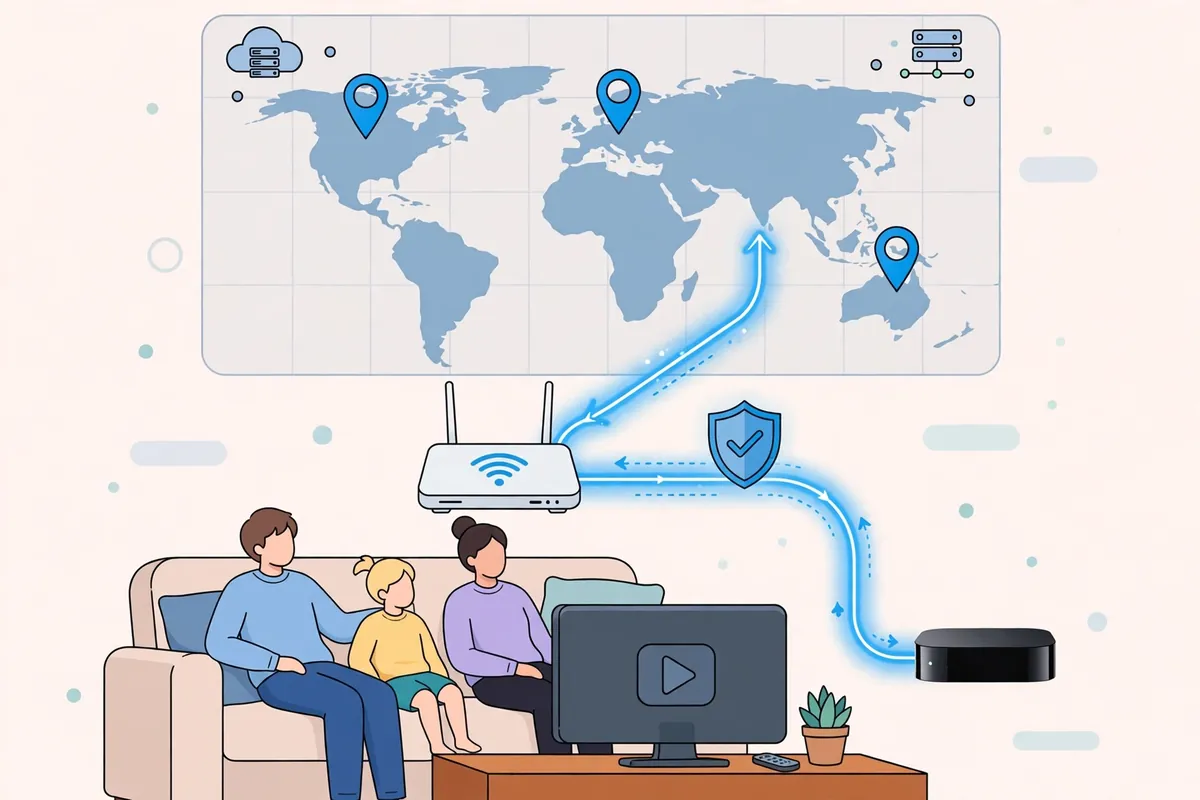
Apple TV streams in 1080p and 4K. Netflix recommends about 5 Mbps for HD and about 15 Mbps for 4K. Apple TV+ and other services are similar. A VPN adds encryption overhead and distance, so a connection that measures 50 Mbps without a VPN may measure 30–40 Mbps through a nearby server.
On a typical Pakistani fibre connection of 50–100 Mbps, a good paid VPN keeps enough speed for 4K on a nearby server. Choose a server close to Pakistan for the best speed. Singapore and the UAE are usually the fastest. A server in the US or the UK is slower but is needed when you want that country’s streaming library. If the stream buffers, switch to a closer server, switch from OpenVPN to WireGuard or IKEv2, or use a wired Ethernet connection instead of Wi-Fi.
What About Free VPNs for Apple TV?
Free VPNs are a poor fit for Apple TV. Almost none of them have a tvOS app, and most do not offer Smart DNS or router configuration files. The free plans that do exist usually cap data at 500 MB to 10 GB a month, which a few hours of HD streaming can use up. Speeds are also limited, and the server choice is narrow.
A paid plan with a 30-day money-back guarantee is a better way to test a VPN on Apple TV. You can install the app, try the servers you need and get a refund if it does not work on your connection. That costs nothing if you cancel inside the guarantee window.
Try Surfshark on Your Apple TV Risk-Free
Install the native tvOS app, test it on your own connection for up to 30 days, and keep it only if it works for your streams. Unlimited devices means the same subscription covers your TV, phone and laptop.
30-day money-back guarantee. Prices may vary with promotions and exchange rates.
Frequently Asked Questions
Which VPN Setup Methods Does Apple TV Support?
Apple TV supports four methods: a native tvOS app on tvOS 17 or later, Smart DNS, router-level VPN setup, and sharing a VPN connection from a phone or laptop over a hotspot. The native app is the simplest when your provider offers one.
Which App or OS Version Requirements Matter?
You need tvOS 17 or later to install a native VPN app, so the Apple TV HD and Apple TV 4K (1st generation) and newer qualify. The provider must also publish a tvOS app. If either condition fails, use Smart DNS or a router instead.
How Do I Verify the Connection on Apple TV?
Open a streaming app that shows location-specific content and confirm it loads the library for the country you selected. You can also check the VPN app’s status screen on the TV, which should show Connected and the server location. For a router setup, run a speed and IP check from another device on the same network to confirm the shared IP and location.
Conclusion
The best paid VPN for Apple TV in Pakistan depends on your model. If your Apple TV runs tvOS 17 or later, install the provider’s native app and connect in minutes. Surfshark is the best-value choice, with a tvOS app, Smart DNS and unlimited devices at a low long-term price. NordVPN is the fastest, and ExpressVPN has the most polished router app. If your Apple TV is too old for a native app, use Smart DNS for streaming or set up the VPN on your router to protect the whole home. Whichever method you choose, test it with a 30-day money-back guarantee and verify the connection before you settle in to watch.