IKEv2 is one of the most widely used VPN protocols in the world, yet most people who use it every day have never heard its name. Surfshark is our recommended VPN for Pakistan, with 80% off for our users, and it supports IKEv2 alongside newer protocols, so this guide explains what IKEv2 actually does and where it fits.
What Is IKEv2 VPN in Plain Language
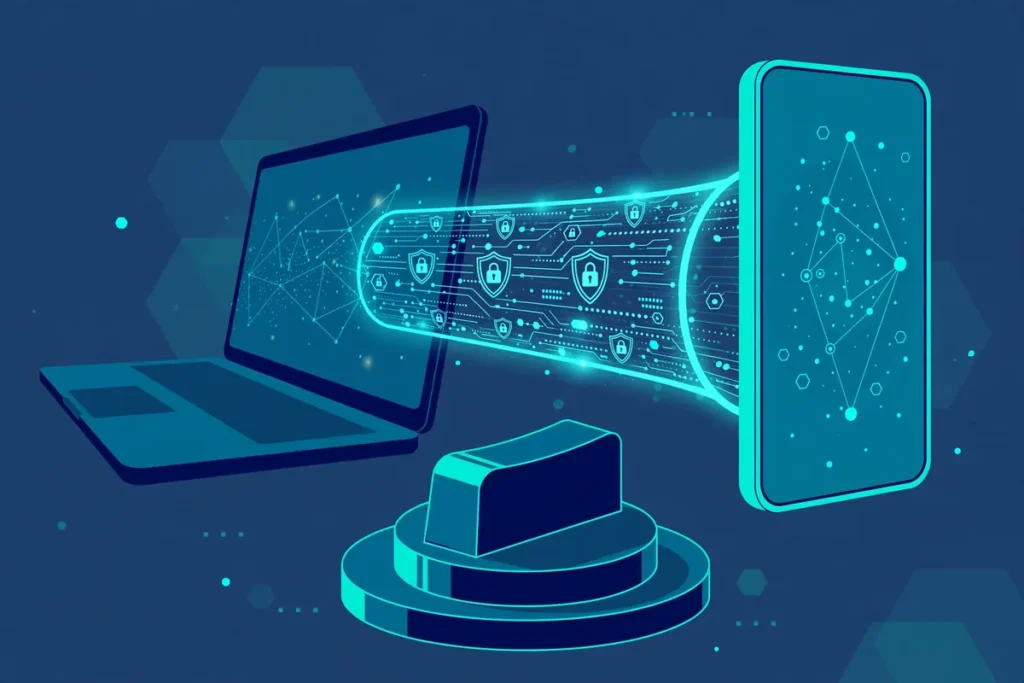
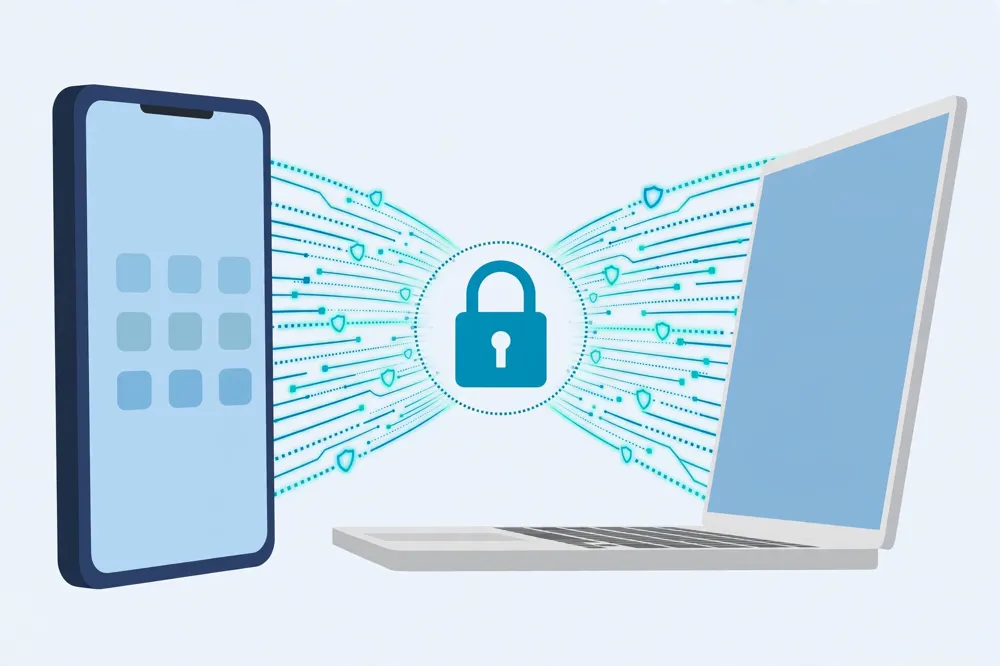
An IKEv2 VPN is a VPN connection that uses the Internet Key Exchange version 2 protocol to set up, authenticate, and maintain a secure tunnel between your device and a VPN server. IKEv2 itself does not encrypt your data alone; it works with IPsec, which handles the encryption, while IKEv2 handles the negotiation and the ongoing management of the connection.
In practical terms, IKEv2 is the handshake and the housekeeping. When you tap connect, IKEv2 agrees the encryption settings with the server, proves your identity, and creates the security keys that IPsec then uses to protect your traffic. Without that negotiation, IPsec would have no agreed keys and no secure channel to use.
The name is worth unpacking. Internet Key Exchange describes the job of exchanging keys over the internet, and version 2 marks the improved edition that replaced the original IKE, which was slower and harder to configure. IKEv2 was standardised by the Internet Engineering Task Force, which gives it a public, reviewed specification rather than a secret vendor design.
Most users meet IKEv2 without choosing it deliberately. On an iPhone, iPad, or Mac, the built-in VPN settings use IKEv2 for many manual and provider configurations, and many Android and Windows VPN apps offer it as a protocol option. If you have ever added a VPN in your phone’s settings app, there is a good chance you were using IKEv2.
The short definition, then, is this: IKEv2 VPN means a VPN tunnel whose setup and maintenance are handled by the IKEv2 protocol, with IPsec providing the encryption. That partnership is the reason the two names almost always appear together as IKEv2/IPsec.
How the IKEv2 Mechanism Works Step by Step
IKEv2 works in two exchanges. The first exchange, often called IKE_SA_INIT, sets up an initial secure channel and agrees the cryptographic algorithms both sides will use. At this stage, no user identity has been proven yet, but the two sides can already talk in a protected way.
The second exchange, IKE_AUTH, authenticates both sides and creates the first child security association, which is the actual IPsec tunnel that carries your data. Your device proves who it is, usually with a username and password, a certificate, or an EAP method, and the server proves its identity in return.
Once the tunnel is up, IKEv2 keeps managing it in the background. It can rekey the connection, which means replacing the encryption keys at intervals without dropping your session, and it can create additional child associations for different traffic types when the configuration requires them.
Rekeying matters for security, because it limits how much data any single key ever protects. If a key were used forever, an attacker who eventually recovered it could decrypt a much larger body of traffic, so regular rekeying shrinks that exposure window.
IKEv2 runs over UDP, typically on port 500, with port 4500 used when network address translation is involved, which is the common case on home and mobile networks. That UDP design is part of why IKEv2 feels responsive, but it also explains why some restrictive networks block it, a limitation covered later in this guide.
MOBIKE: Why IKEv2 Handles Network Changes So Well
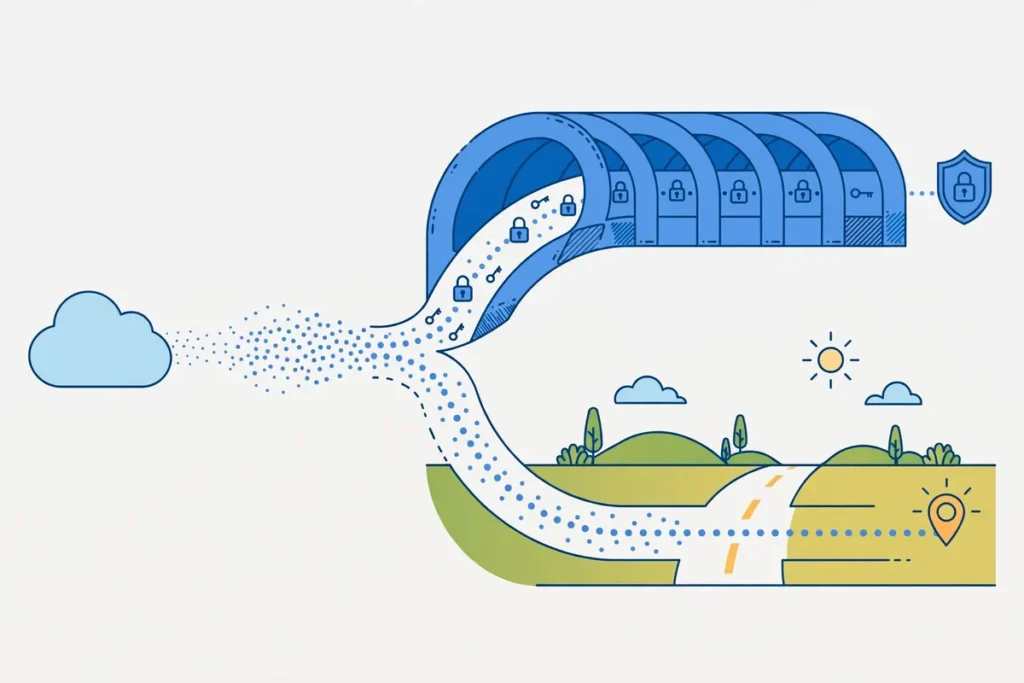
The feature that made IKEv2 famous is MOBIKE, short for Mobility and Multihoming Protocol, which lets a VPN connection survive a change of network address without reconnecting from scratch. When your phone moves from Wi-Fi to mobile data, its IP address changes, and most older protocols would drop the tunnel and force a fresh login.
MOBIKE instead updates the tunnel’s address information and keeps the existing security association alive. Your apps may pause briefly during the switch, but the VPN session itself does not collapse, and you do not need to tap connect again. For a commuter in Karachi moving between home Wi-Fi, office Wi-Fi, and mobile data, that resilience is a daily, visible benefit.
This is also why IKEv2 became the default recommendation for mobile users long before WireGuard arrived. Phones change networks constantly, through tunnels, lifts, and dead zones, and a protocol that treats every change as a full reconnection would be exhausting to use.
MOBIKE also helps on laptops that sleep and wake. When a laptop resumes from sleep on a new network, IKEv2 can often re-establish the tunnel quickly, rather than leaving you unprotected until you notice the VPN icon has gone.
Note, however, that MOBIKE keeps the tunnel alive; it does not guarantee that every app session survives the switch. A video call may still stutter, and a download may still pause, because the underlying network itself changed. IKEv2 smooths the VPN layer, but it cannot remove the reality of a network change.
IKEv2 and IPsec: Two Jobs, One Tunnel
Confusion about IKEv2 usually comes from treating it as a complete VPN on its own, when it is really half of a pair. IKEv2 negotiates and manages, while IPsec, through its Encapsulating Security Payload, encrypts and authenticates the actual packets that travel between your device and the server.
IPsec offers two modes, transport and tunnel, and consumer VPNs use tunnel mode, which encrypts the whole original packet and wraps it in a new one addressed to the VPN server. That is what hides your destination from your local network and your internet provider.
The encryption itself comes from algorithms such as AES, usually with 256-bit keys in modern VPN configurations, combined with integrity checks that detect tampering. IKEv2’s job is to agree those algorithms and to keep the keys fresh, not to perform the packet encryption directly.
This division is a strength, because each part can be reviewed and improved separately. It is also why configuration details matter: an IKEv2 setup is only as strong as the algorithms it negotiates, and an outdated configuration that allows weak algorithms weakens the whole tunnel.
When a provider lists IKEv2/IPsec, it is describing this pair, not two competing options. If a provider lists IKEv2 alone, it almost certainly means IKEv2 with IPsec underneath, because IKEv2 without IPsec has no data encryption to offer.

Where IKEv2 Is Used: Practical Use Cases
The strongest use case for IKEv2 is mobile privacy on changing networks. If you use public Wi-Fi in cafes, universities, airports, or offices across Pakistan, IKEv2 protects your traffic and survives the move back to mobile data without constant reconnection prompts.
A second use case is always-on corporate and remote-work access. Many businesses built their remote-access VPNs on IKEv2/IPsec years ago, because it is supported natively by Windows, macOS, iOS, and many routers, without installing a separate app on every device.
A third use case is manual VPN setup on devices where you cannot install an app, or where you prefer the operating system’s built-in client. An iPhone, a Mac, a Windows laptop, and many routers can all be configured for IKEv2 by entering server details in their own settings, with no third-party software.
A fourth use case is stable connectivity for travellers and field workers who pass through patchy coverage. Journalists, sales staff, and students who move between networks benefit from MOBIKE’s ability to hold the tunnel through address changes and brief outages.
For streaming and gaming, IKEv2 is a solid but not exceptional choice. It is fast enough for video and casual play on a good server, but WireGuard usually gives lower latency, and OpenVPN is sometimes preferred where a network blocks IKEv2’s UDP ports. Protocol choice should follow your network, not a league table.
Benefits of IKEv2 VPN: Speed, Stability, and Support
IKEv2 is fast for a traditional protocol, because its message exchanges are efficient and its rekeying is lightweight. On a modern phone or laptop, the performance difference between IKEv2 and WireGuard is often smaller than the difference between two servers of the same provider.
Stability is its headline benefit, thanks to MOBIKE and to dead-peer detection, which notices when the other side has gone away and can re-establish the tunnel cleanly. That combination makes IKEv2 feel dependable in daily use, with fewer unexplained drops than older protocols such as PPTP or L2TP.
Native support is the third benefit. Because Windows, macOS, iOS, Android, and many routers include IKEv2 clients, you can often set it up without trusting an additional app, and IT teams can manage it with the operating system’s own tools. That breadth of support is unmatched by any single newer protocol.
Security is strong when IKEv2 is configured with modern algorithms, strong authentication, and current software. The protocol itself has been publicly reviewed for years, and its weaknesses have generally come from weak configurations or outdated implementations, not from a fundamental break in the design.
Finally, IKEv2 pairs well with certificate-based authentication, which is harder to phish than a password alone. Businesses that issue certificates to staff devices get a second layer of assurance that a stolen password by itself cannot provide.
Limitations of IKEv2 VPN You Should Understand
The most practical limitation is blocking. IKEv2 uses UDP ports 500 and 4500, which some corporate networks, hotels, and restrictive firewalls block or throttle. On such a network, IKEv2 may fail to connect at all, while OpenVPN over TCP port 443, which looks like ordinary web traffic, may still work.
A second limitation is complexity. IKEv2/IPsec configuration has many options, and a badly configured server can negotiate weak algorithms or accept weak authentication. That is why manual setup should follow your provider’s current guide exactly, rather than a generic tutorial from years ago.
A third limitation is that IKEv2 is not anonymous by itself. It hides your traffic from your local network and your internet provider, and it changes your visible IP address, but the VPN provider itself can still see your traffic, and websites can still identify you through logins, cookies, and browser fingerprinting.
A fourth limitation concerns open-source implementations. The best-known IKEv2 implementations, such as strongSwan, are open and auditable, but the protocol’s native clients are built into closed operating systems, so users cannot easily inspect every part of the stack they rely on.
A fifth limitation is auditability of the provider, not the protocol. IKEv2 cannot prove that a provider keeps no logs, runs the servers it claims, or is free from legal pressure in its jurisdiction. Those questions are answered by the provider’s audits, policies, and track record, not by the protocol name.
IKEv2 Versus OpenVPN and WireGuard
OpenVPN is the most flexible older protocol, because it can run over TCP or UDP, can pass through restrictive firewalls on port 443, and has a huge library of configurations. Its cost is higher overhead and, usually, slightly lower speed than IKEv2 or WireGuard on the same server.
WireGuard is the newest of the three, with a tiny codebase that is easy to audit, very fast connection times, and low latency that gamers and streamers notice. Its trade-off is a smaller feature set and a design that, in its original form, keeps a static public key per peer, which providers handle with their own key-management systems.
IKEv2 sits between them: faster to reconnect than OpenVPN, more natively supported than WireGuard on older devices, and more resilient to network changes than either, thanks to MOBIKE. On a modern phone that changes networks all day, IKEv2 remains a genuinely competitive choice.
The table below summarises the trade-offs for a reader choosing between the three on a typical device in Pakistan.
| Protocol | Best For | Main Weakness |
|---|---|---|
| IKEv2/IPsec | Mobile use and network switching | Blocked on some restrictive networks |
| OpenVPN | Restrictive networks and flexibility | Higher overhead and slower setup |
| WireGuard | Speed and low latency | Less native support on older devices |
No protocol is best for every situation, and good VPN apps let you switch protocols in settings. If IKEv2 fails on a hotel or office network, switching to OpenVPN over TCP is often the fastest fix, and if gaming latency matters most, WireGuard is usually worth testing first.
Compatibility: Devices and Platforms That Support IKEv2
Apple devices support IKEv2 natively, and it is the natural choice for manual VPN setup on iPhone, iPad, and Mac. You can add an IKEv2 configuration in the settings app, and many providers offer a one-tap profile that installs the same configuration for you.
Windows includes a built-in IKEv2 client, and it is a common choice for business laptops, because IT departments can deploy it through group policy without installing extra software. Android supports IKEv2 through its built-in client and through most provider apps, though the exact settings screens vary by manufacturer.
Linux users can run IKEv2 through strongSwan or through their network manager, and many routers from Asus, MikroTik, and others include IKEv2 server or client support. That router support makes IKEv2 useful for protecting a whole household, including devices that cannot run a VPN app.
Smart televisions and games consoles generally do not offer IKEv2 clients directly, which is why router coverage is the usual route for those devices. A television cannot run an IKEv2 app, but it can join a router network that already runs the tunnel.
Before you commit to IKEv2 on any device, check the provider’s protocol list for that platform, because support varies. A provider may offer IKEv2 on iOS and Windows but only WireGuard on its Linux app, and that detail decides whether your planned setup is possible.
IKEv2 VPN in Pakistan: Practical Notes
For users in Pakistan, IKEv2’s mobile resilience is its most relevant strength, because mobile data and Wi-Fi switching is a daily pattern, not an edge case. A protocol that survives those switches without manual reconnection saves real frustration over weeks of use.
The blocking limitation is equally relevant, because some networks in Pakistan, especially institutional and corporate networks, restrict VPN traffic or specific ports. If IKEv2 fails on one network, that does not mean the provider is broken; it may simply mean that network blocks UDP ports 500 and 4500.
Pakistan’s VPN registration requirements, administered through the Pakistan Telecommunication Authority, apply to certain uses and users, and this guide does not give legal advice on them. Anyone using a VPN for business, freelance, or organisational work should check the current registration position and comply with it.
Server choice matters more than protocol choice for most Pakistani users. A nearby server, in the Gulf or South Asia where available, usually gives better speed and latency than a distant server, whatever protocol you select, so test a few locations before settling.
Finally, remember that a VPN does not change the law, a website’s terms, or a streaming catalogue by itself. It changes your visible location and encrypts your traffic, but account rules, payment methods, and licensing still apply, and providers’ claims about unblocking should be treated as marketing until you test them.
Surfshark and IKEv2: A Practical Combination
Surfshark pricing in Pakistan is a useful reference when you compare protocols, because Surfshark offers IKEv2 alongside WireGuard and OpenVPN, letting you switch protocols in the app when one fails on a particular network. That flexibility is the practical answer to IKEv2’s blocking limitation.
For a phone user who moves between networks all day, IKEv2 inside the Surfshark app is a sensible default, because MOBIKE keeps the tunnel alive through those switches. For gaming or for a restrictive office network, switching to WireGuard or OpenVPN in the same app takes seconds.
The point is not that one protocol wins, but that a good provider gives you the choice. A provider that locks you to a single protocol leaves you stuck when that protocol is blocked, while a provider with three protocols gives you a fallback for every network you meet.
Surfshark — our recommended VPN for Pakistan
Switch between IKEv2, WireGuard, and OpenVPN in one app, so a blocked protocol never leaves you without a fallback on any network.
A Brief Validation Workflow: Confirming Your IKEv2 Tunnel Works
A companion test guide covers full validation in detail, so this section stays brief. The workflow has three checks, and all three should pass before you trust the tunnel for sensitive work.
First, check your IP address and location before and after connecting, and confirm both change to the VPN server’s values. If your location does not change, the tunnel is not carrying your traffic, whatever the app icon shows.
Second, run a DNS leak test and confirm the DNS servers belong to your VPN provider, not to your internet provider. A DNS leak can expose the sites you visit even when your IP address looks protected.
Third, switch networks, from Wi-Fi to mobile data or back, and confirm the tunnel survives or reconnects promptly, with your IP address still showing the VPN server afterwards. That test exercises MOBIKE directly, and it is the check that separates IKEv2 from older protocols.
If any check fails, switch server, switch protocol, and test again, and contact your provider’s support with the exact failure if the problem persists. A failed check is useful information, not a reason to ignore the result and carry on.
What IKEv2 Does Not Guarantee
IKEv2 does not guarantee anonymity. Your VPN provider can see your traffic, your account identifies you to that provider, and websites can still track you through logins and cookies. Anonymity needs a different toolset, including careful browser habits, and no single protocol provides it.
IKEv2 does not guarantee speed. A distant or crowded server will be slow under any protocol, and encryption always adds some overhead. If speed is your priority, test servers and protocols together, rather than assuming a protocol name promises a fast result.
IKEv2 does not guarantee access to any particular website, catalogue, or service. Streaming platforms and banks actively detect VPN use, and a server that works today may be blocked tomorrow. Protocol choice does not override those detection systems.
IKEv2 does not guarantee security against malware, phishing, or a compromised device. A VPN encrypts traffic in transit, but it cannot protect you from a malicious download, a fake login page, or an attacker who already controls your device.
Finally, IKEv2 does not guarantee that a provider is trustworthy. A well-configured IKEv2 tunnel to a dishonest provider is worse than no tunnel at all, because it concentrates your traffic in one place that misuses it. Judge providers by audits, policies, and history, not by protocol labels.
Frequently Asked Questions About IKEv2 VPN
What Does IKEv2 VPN Do?
An IKEv2 VPN uses the Internet Key Exchange version 2 protocol to set up, authenticate, and maintain a secure tunnel, while IPsec encrypts the traffic inside that tunnel. It agrees encryption settings with the server, proves both sides’ identities, creates and refreshes the keys, and keeps the tunnel alive when your network address changes, thanks to MOBIKE.
Which Use Cases Require IKEv2?
No use case strictly requires IKEv2, because OpenVPN and WireGuard can cover the same jobs, but IKEv2 is the strongest choice for mobile users who switch networks constantly, for always-on business access, and for manual setup on devices with built-in VPN clients. It is also the best fallback when you want native operating-system support without installing an extra app.
What Does This Feature Not Guarantee?
IKEv2 does not guarantee anonymity, speed, access to any particular service, protection from malware or phishing, or a trustworthy provider. It guarantees a well-managed encrypted tunnel to the server you chose, and everything beyond that depends on the provider, the server, the network, and your own habits. Treat protocol names as tools, not as promises.
Surfshark — our recommended VPN for Pakistan
For users in Pakistan who switch between Wi-Fi and mobile data all day, a paid plan with 80% off for our users keeps IKEv2’s resilience without free-plan limits.
Conclusion: When IKEv2 Is the Right Choice
IKEv2 remains a strong, sensible protocol in 2026, not because it is the newest, but because it solves a real problem better than its rivals: keeping a VPN alive while your device moves between networks. For mobile users, business users, and anyone who values native device support, it is an excellent default.
Its limits are real too. It can be blocked on restrictive networks, it cannot promise anonymity or access, and it depends on good configuration and a trustworthy provider.
The wise approach is to choose a provider that offers IKEv2 alongside WireGuard and OpenVPN, test all three on your own networks, and let your daily experience, not a marketing claim, decide. For the wider picture, freevpn.pk covers VPN choices for Pakistan across protocols, providers, and devices.